Release notes guide · 5 min read
Sketch Changelog and Release Notes: A Review
This review preserves historical release-note examples. As of October 13, 2026, the former Sketch forum links no longer preserve the referenced forum or announcement section. Sketch now lists a Discord community on its official website; use the current release-note links below for product updates.
 Featural style
Changelog Channels: Release Notes · Web Changelog · Updates on Blog · Former forum (historical channel; use the release-note links above for current updates) · Updates on YouTube · Updates on Twitter / X · Updates on Instagram
- Engagement
- High-level overview of the changes, improvements, and new features dividing by platform updates.
- Readability
- Concise descriptions with visuals encourage reading and let users delve deeper via links.
- Subscription
- Non-disruptive email subscription form
- Personalization
- Nice platform filter component
- Consistency
- Prominent "What's New" section, division on Mac, web and iOS apps.
- Multimedia
- Good use of images and videos.
- Design
- The clean design.
- Delivery
- Provide in-app access to a Changelog
- Navigation
- Easy to navigate between platforms updates and across the pages.
- SEO
- Changelogs are indexed by search engines.
- Frequency
- Approximately once a month.
- Actionable
- Contain ways to education and benefits.
- Archive
- Release Note and Versions archives are available on the page and in-app.
- Multi-channel
- Updates are distributed through various channels, including app, 'What’s New' and Release Notes for Mac, Twitter, blog, Community and YouTube.
Based on a book Release Notes People Actually Want to Read.
Sketch Changelog prioritize clean and simple design, offer user-friendly filtering based on platforms, and leverage illustrations and engaging videos to showcase updates. Additionally, the design ensures users are always aware of the current app version.

What Sketch does well
Sketch is a popular vector graphics editor developed for macOS and Figma’s alternative. It sets a great example with its approach to release notes and changelog.
Prioritize brevity and clarity in updates
Sketch uses a friendly and helpful tone of voice. New features, improvements, experimental features, and known issues are published on average once a month.
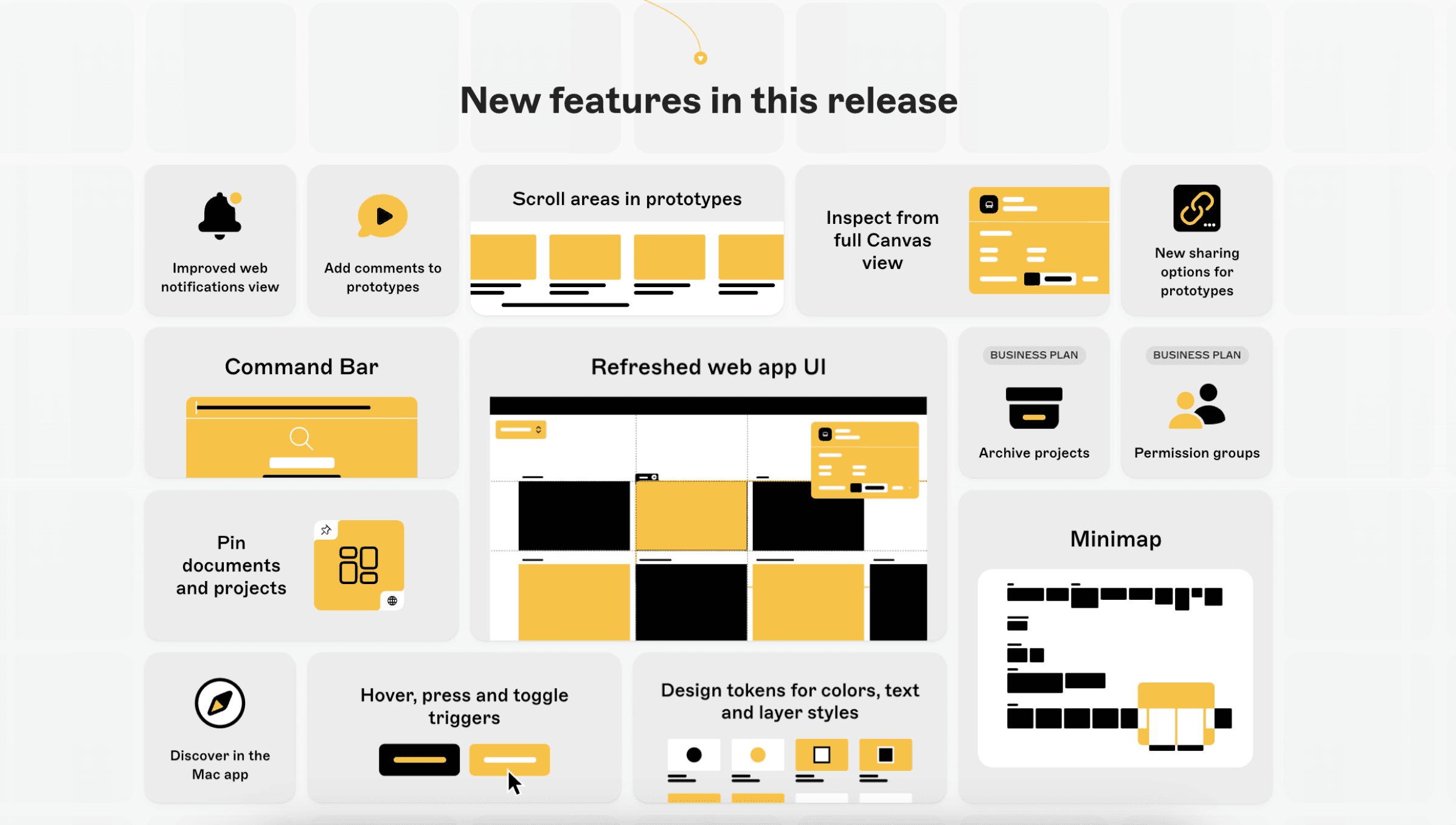
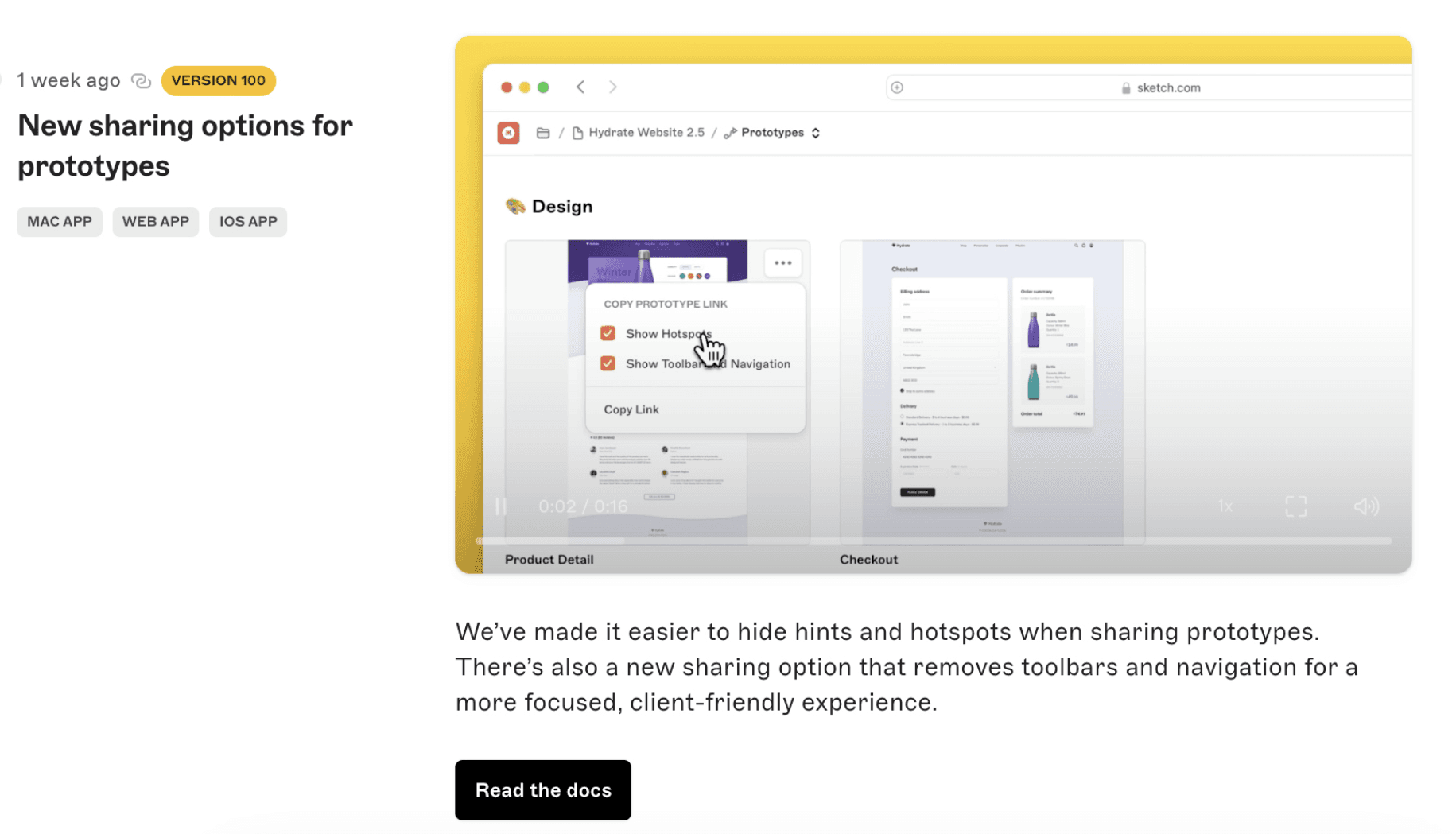
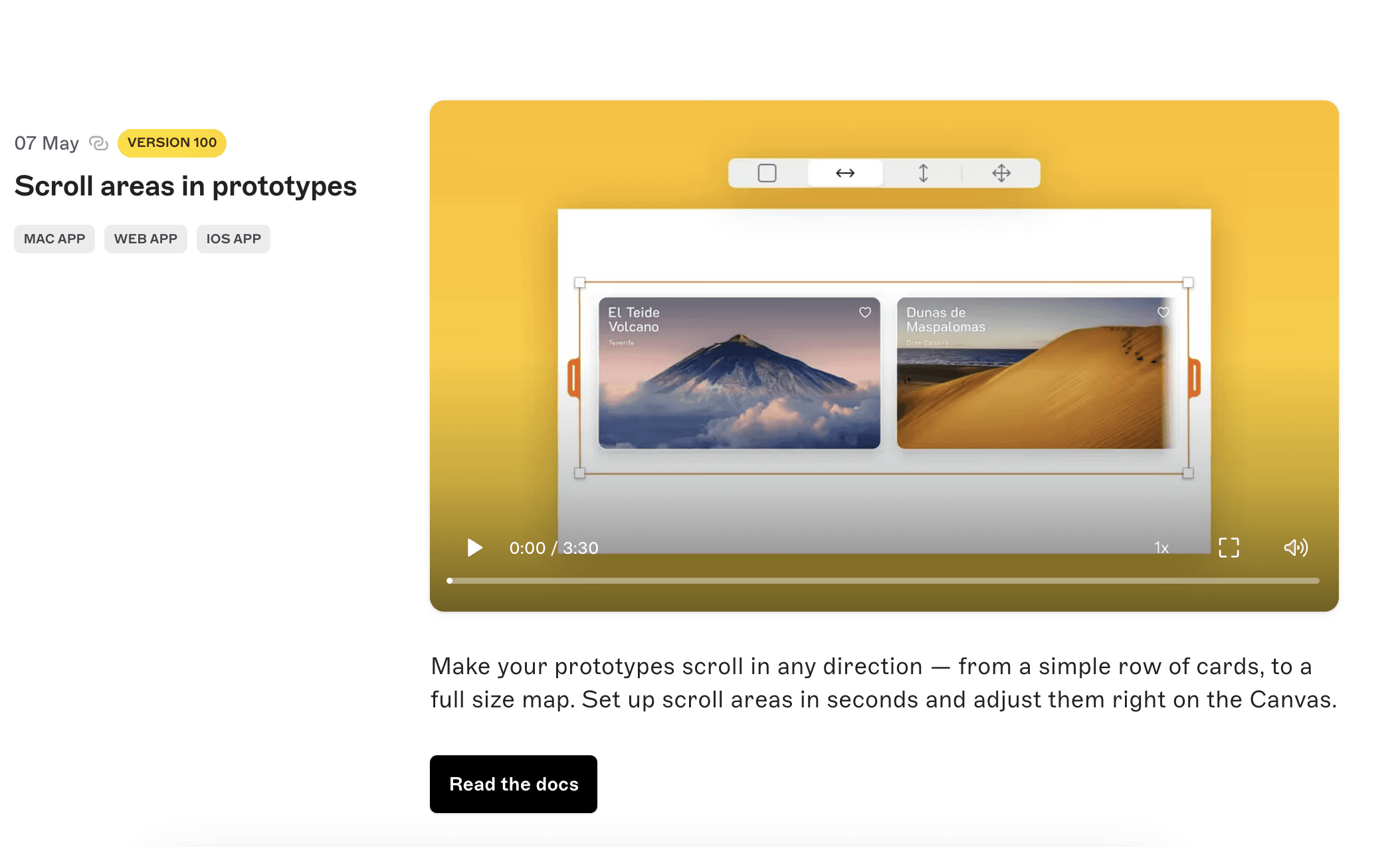
Each update provides a clear and short description, supported by videos. Not all users enjoy reading long release notes. This page aims to keep all features in one place for easy understanding.
Provide deep links to the feature
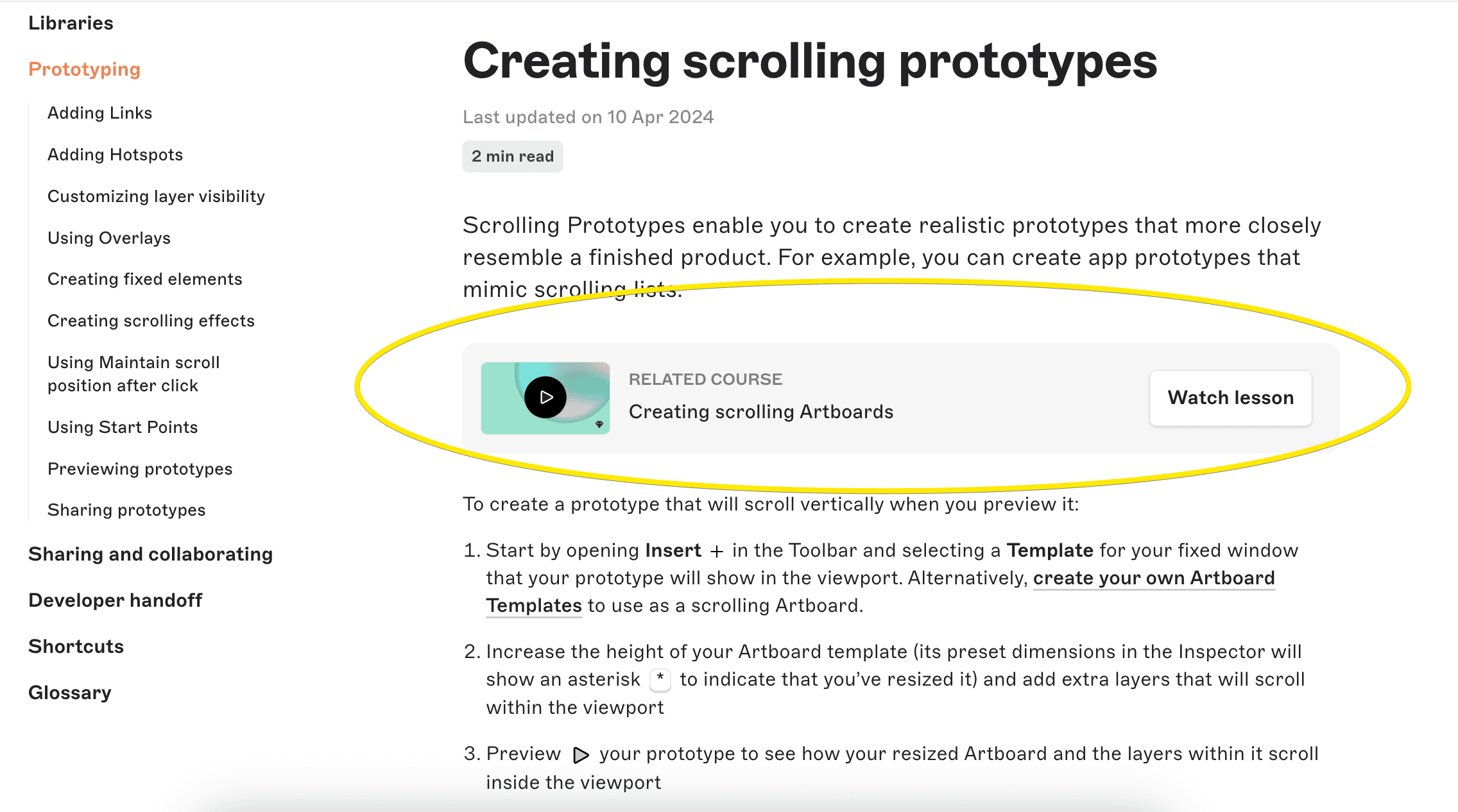
Though Sketch feature release note has a few sentences about the feature, it serves as a clear invitation to explore, learn, and leverage the platform features. Users can access this information by following links to detailed instructions, short videos and video lessons.
Separate release notes by app version and platform
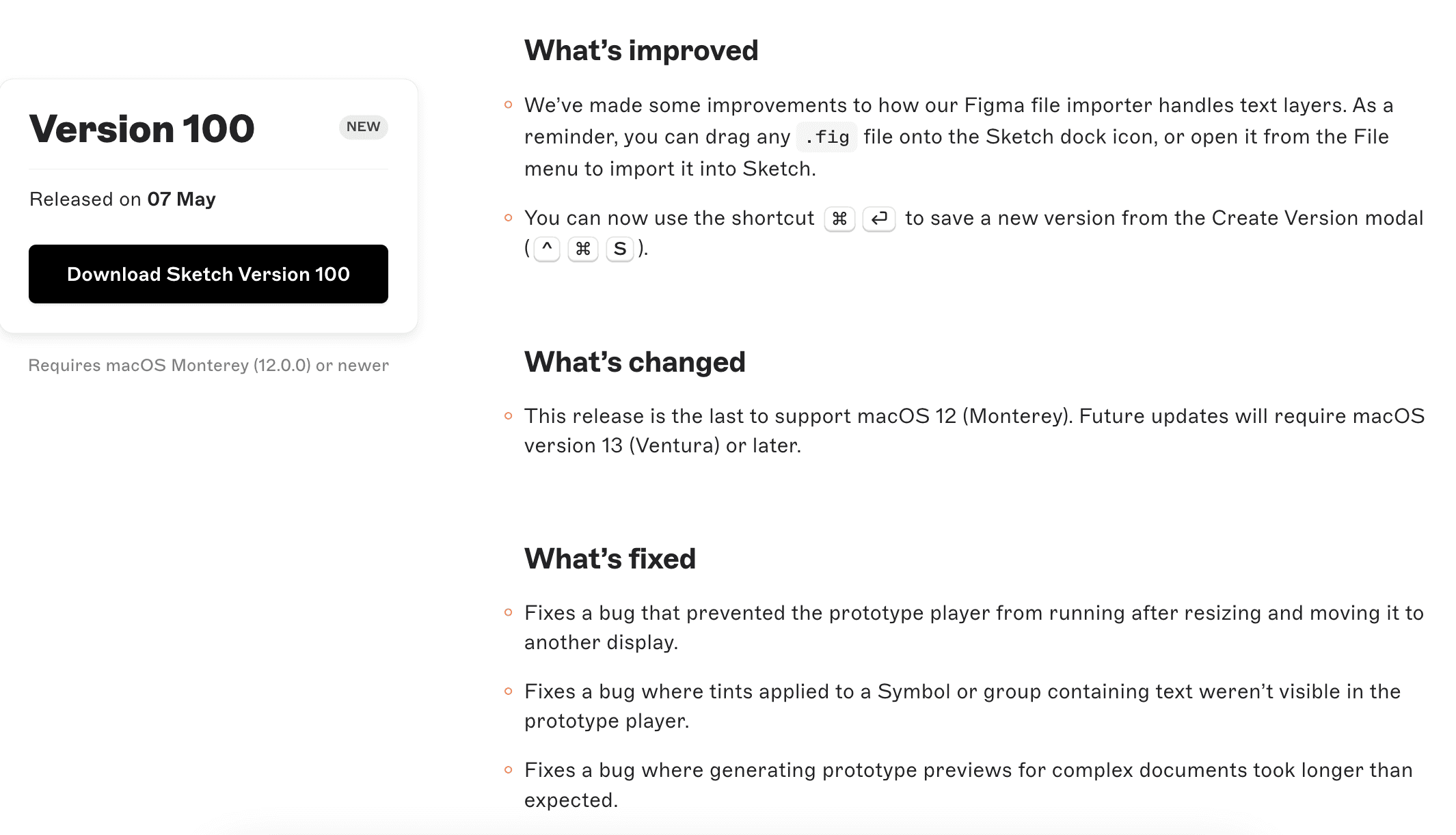
Sketch separates high level marketing updates from the Mac specific changelog, which contains all updates, changes, improvements and bug fixes. The updates are organized by version number, making it easy for users to find the relevant information. Unfortunately the changelog is more technical and can feel a bit “dry” due to the lack of images.
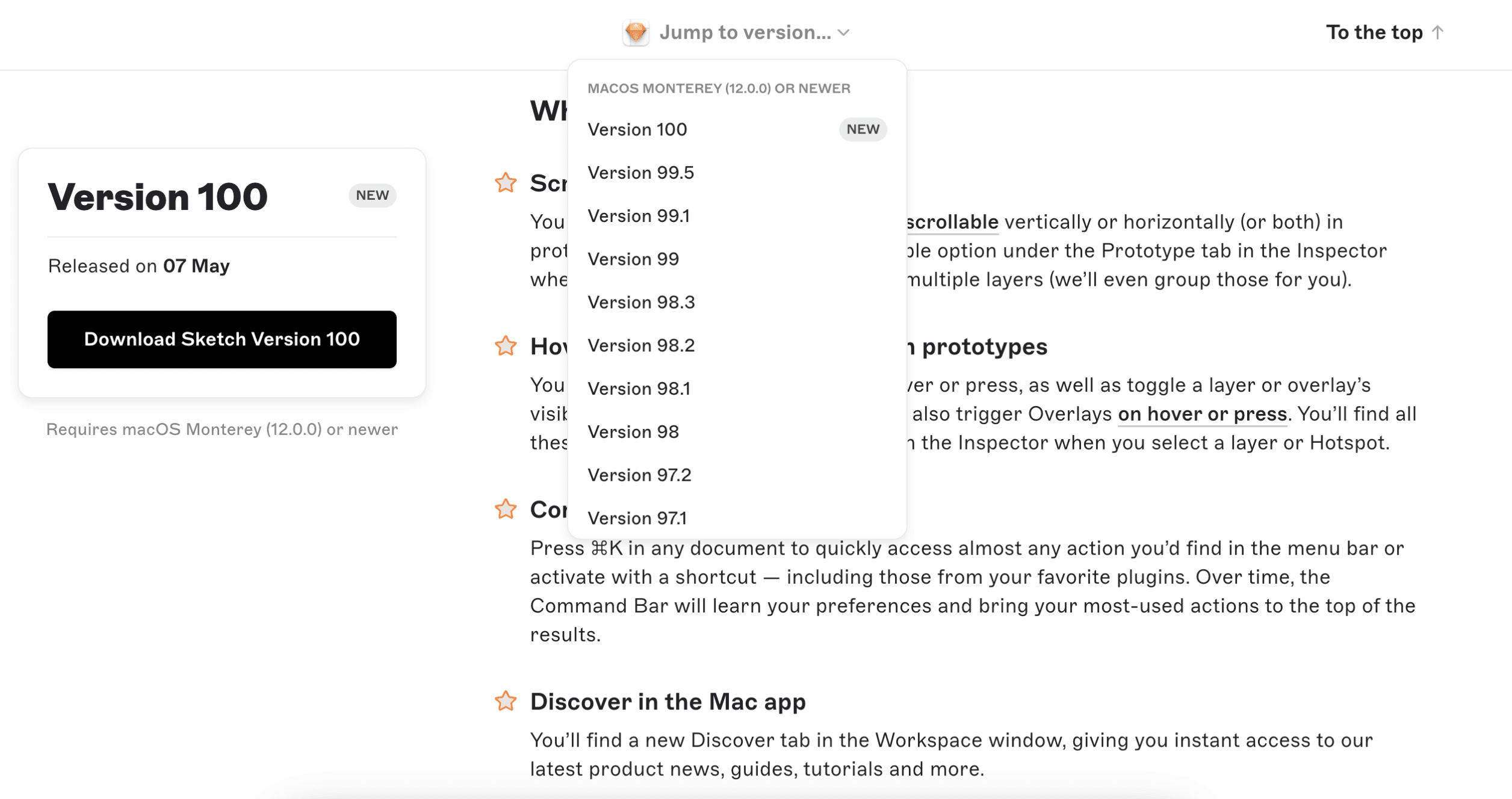
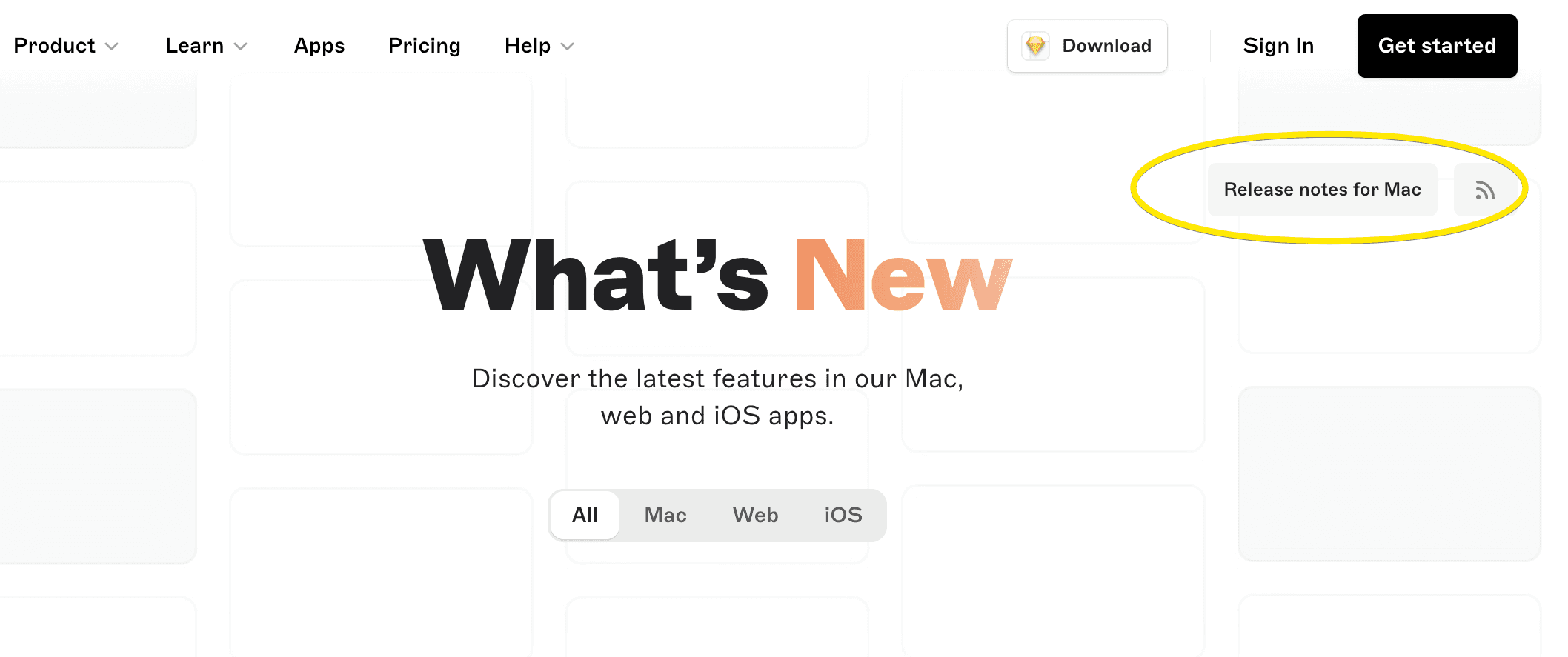
It’s also very easy to find the Release Notes for Mac only with the button, not only with a filter.
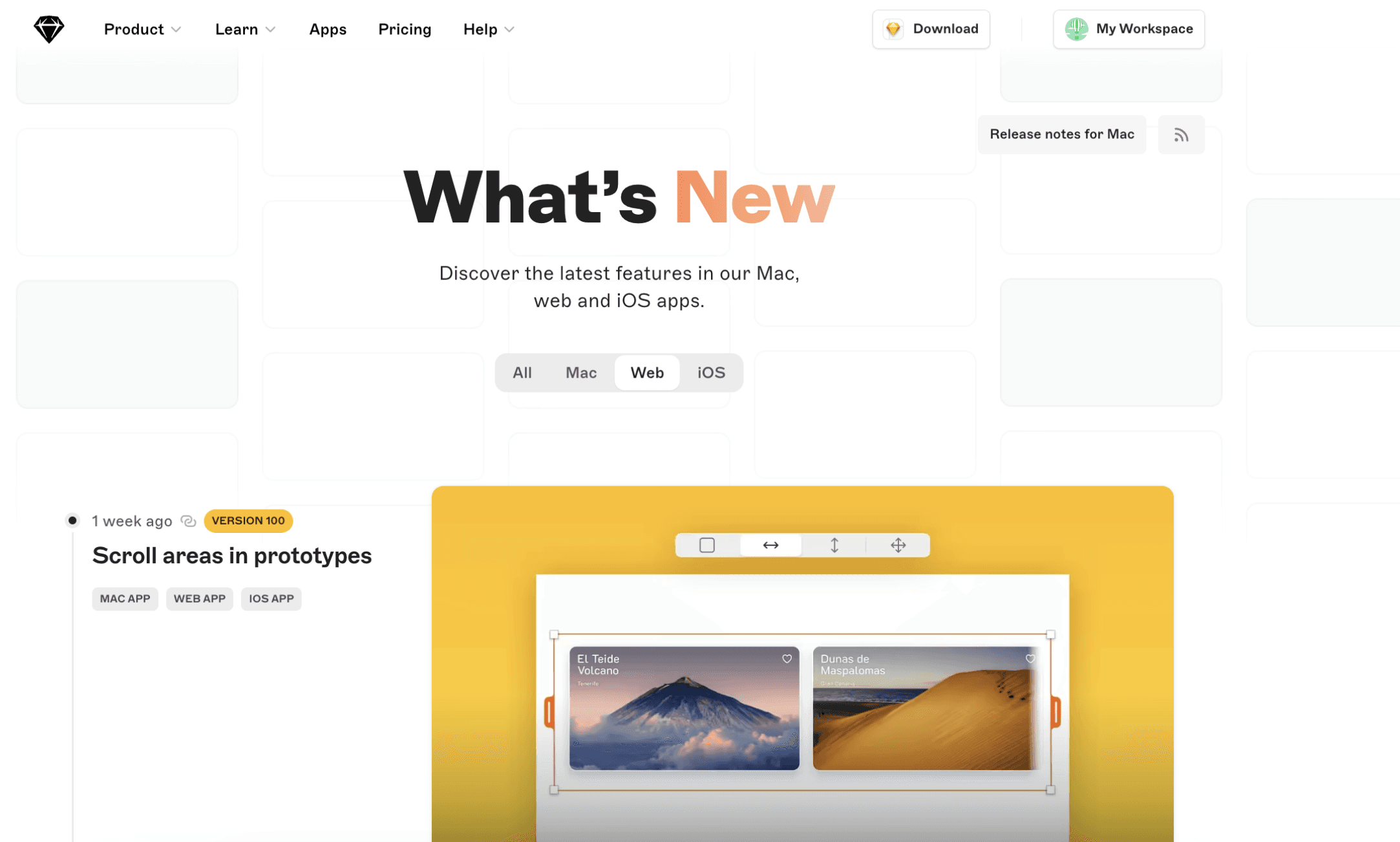
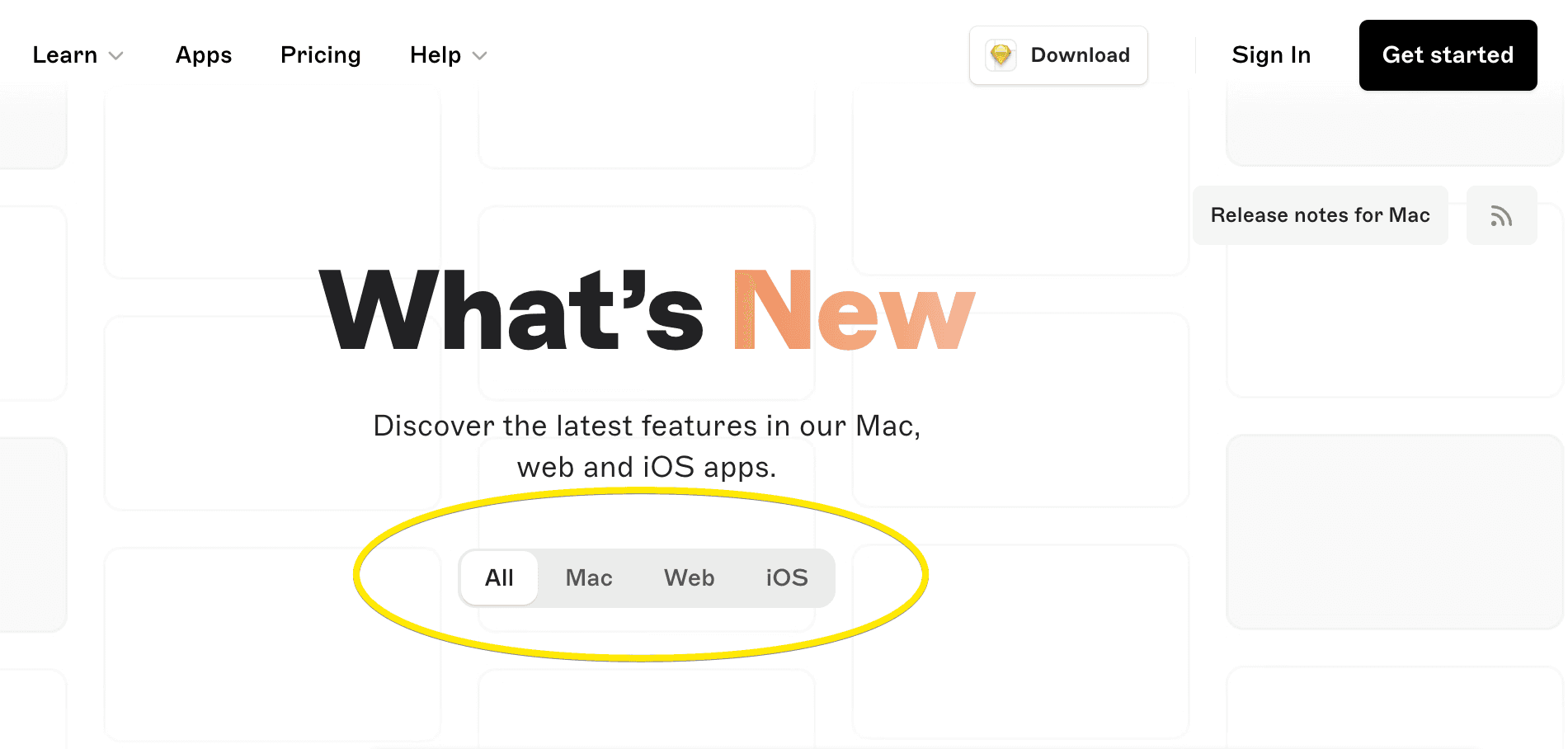
Use platform filters to simplify update searches
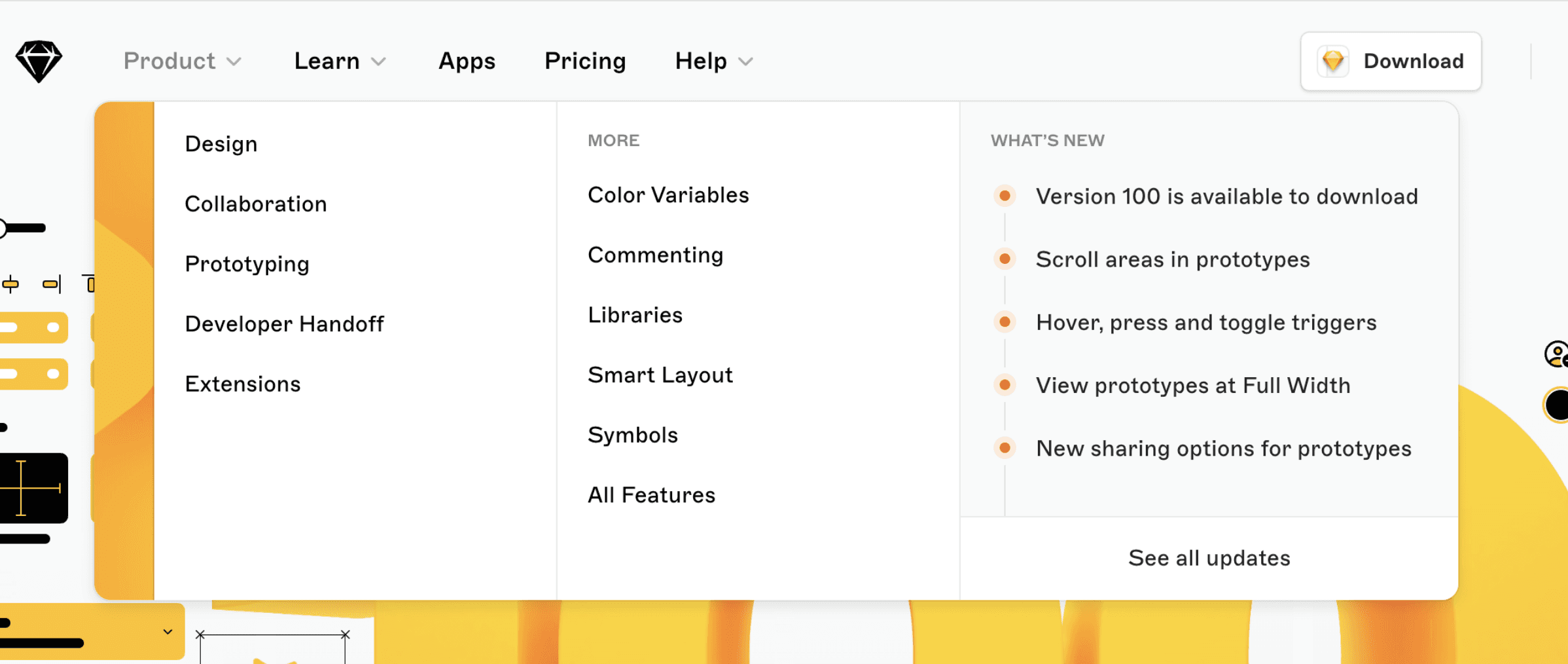
The “What’s New” section is a great example of how easily it provides all updates to users eager to discover the latest features, updates, and improvements. The Release Notes for Macs is also very user-centric.
The platform filter is a nifty addition. It allows users to tailor the updates they see based on their platform, ensuring relevance and reducing information overload. This ensures users can access fresh content directly, eliminating the need to dig deep or navigate through multiple pages.
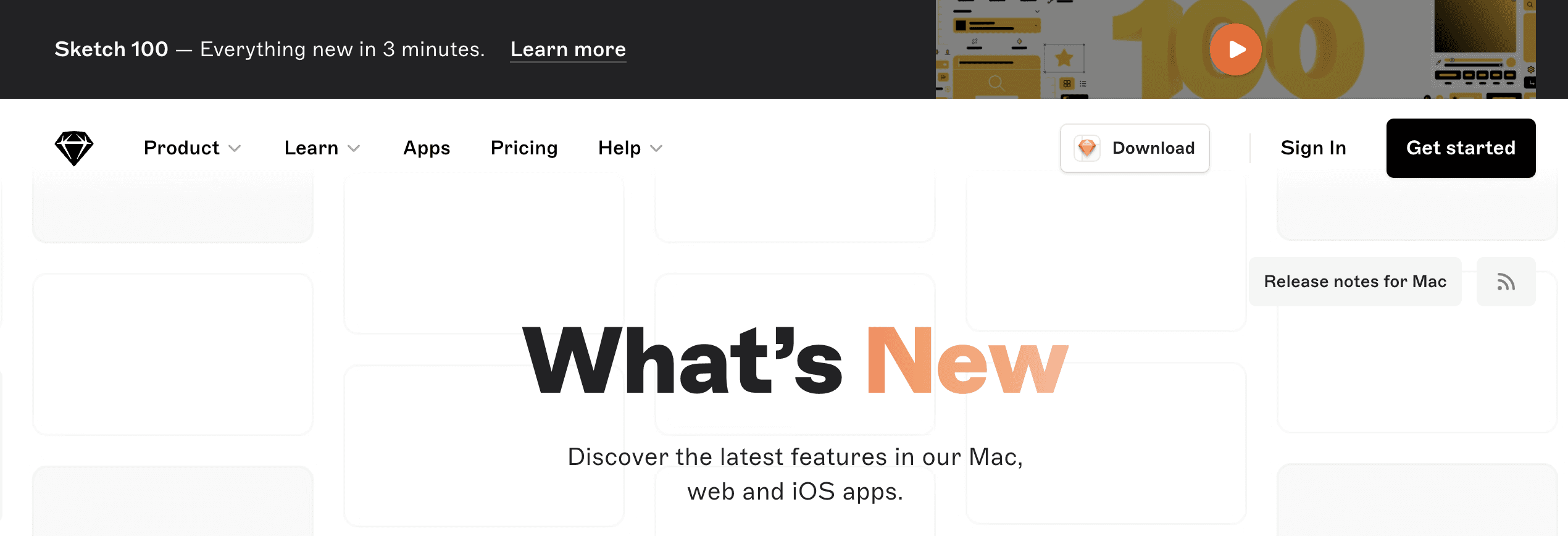
Remind users to update to the latest version
The top banner on What’s New reminds users about the new version and features a two-minute video presentation that highlights all the new features, keeping users up-to-date and not to miss any improvements.
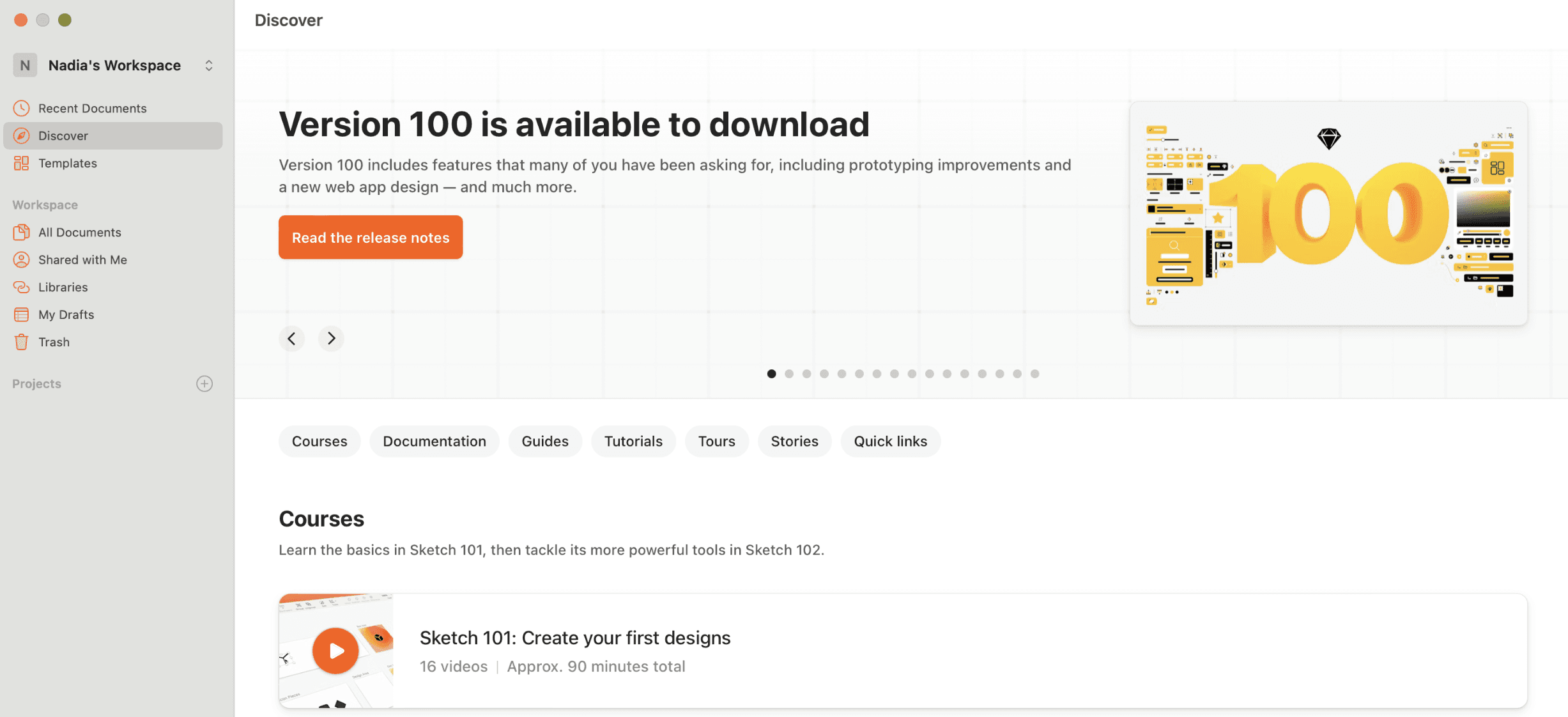
The badge on Release Notes for Mac keeps track of the current version and reminds users to update and learn more.

Clean design
Their updates are sleek, clutter-free, and totally match the clean vibe of the whole platform. It’s like they designed the update info to perfectly fit in with Sketch itself.
Engage with videos and images
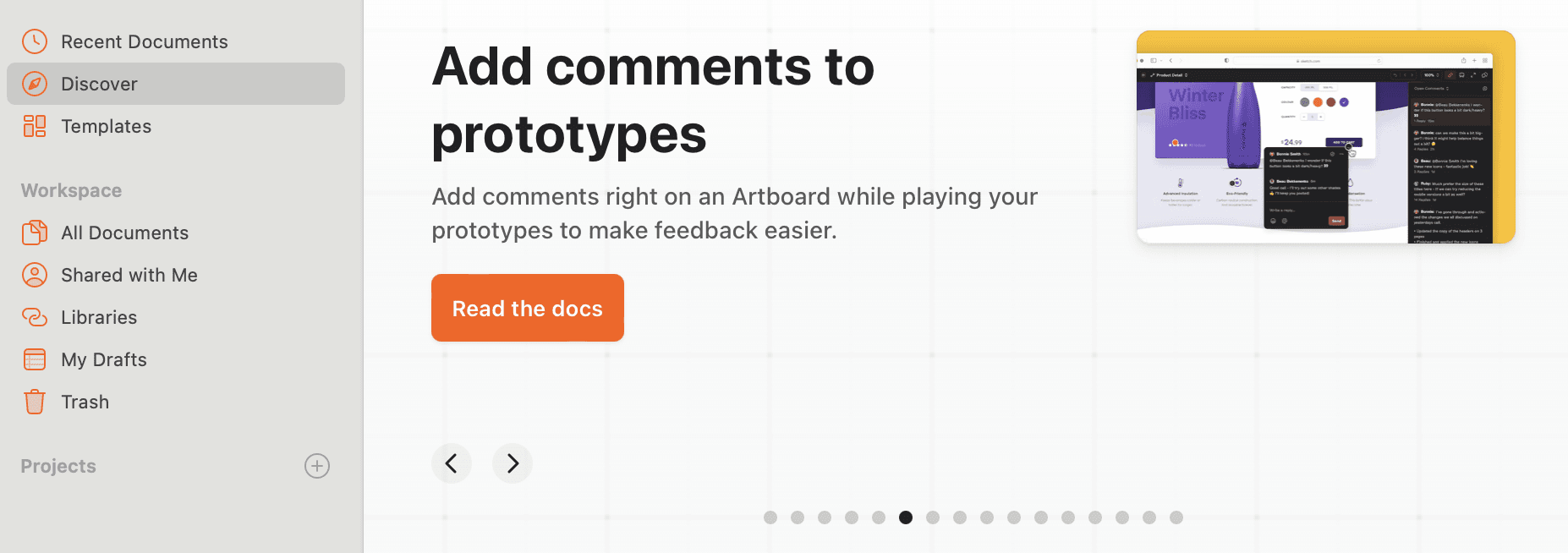
Sketch leverages visuals to elevate their release notes, making them both informative and engaging. They achieve this effect by using explanatory videos and images for all What’s New updates.

Focus on easy user access
In Sketch in-app launcher and in browser application, you always have access to the What’s New section, allowing users to have a self-serve resource at all times and learn as they go.
The way the new feature is represented on the main page is also very user-friendly. It resembles a timeline, showcasing the latest updates and motivating users to choose those they need.
Areas for improvement
Enhanced search and archive
The search functionality could be improved. This would allow users to easily find specific information or revisit features they encountered earlier.
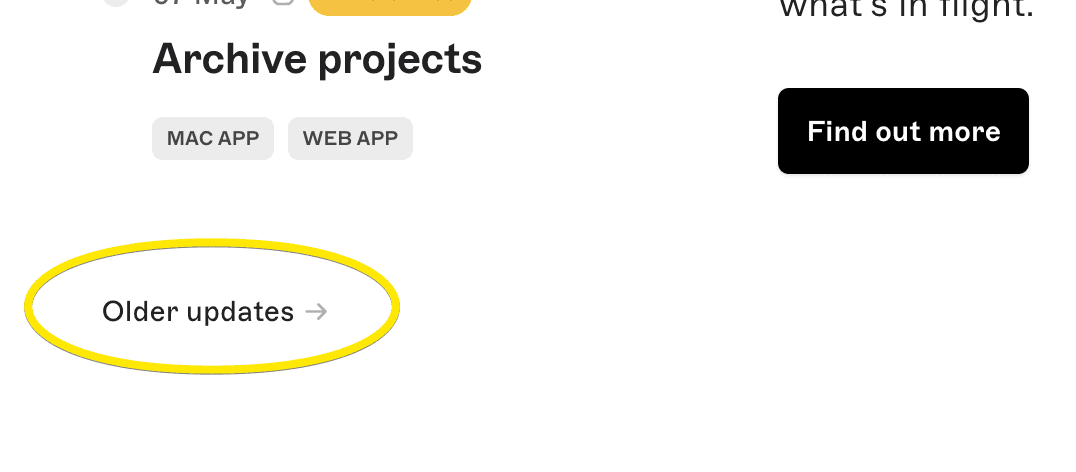
The page also features Updates archive. You can easily navigate to this section and explore the oldest updates any time. But the older updates could be listed by name, allowing users to easily access the one they need.
Spread the word about features
The former Sketch forum offered likes, reactions, discussions and shareable links. The original announcement-section URL no longer preserves that destination. The lesson from this historical example remains useful: link release notes to the relevant discussion so readers can respond.
Lack of images in Mac release notes
While the main release notes are visually rich, the changelog feels a bit bare in comparison. Incorporating images here would offer a more holistic and engaging experience.
Conclusion
Sketch keeps things simple with clean designs, user-friendly platform filters and tags, and captivating videos to showcase updates. They don’t bury you in text – you can easily find what’s new and relevant to your platform. It’s clear they prioritize users, making updates informative and engaging. By effectively engaging users, Sketch empowers them to take full advantage of the platform’s capabilities. This user-centric approach is a great example for how release notes should be done.
Keep in mind that with Ducalis’ changelog feature, you can automate your routine operations like writing announcements and preparing emails and pages. All of that will be done with comments and reaction features in all channels. The system will be structured with navigation and filtering options, working on mobile and desktop with no additional effort. This keeps your users informed and engaged, fostering a two-way communication flow.