Release notes guide · 4 min read
Raycast Changelog Examples and Review
Review at a glance
 Educational style
Changelog Channels: Release Notes · Updates on YouTube · Updates on Twitter / X · Updates on Slack
- Job-to-be-Done
- Great example of the following user from announcement to benefits to sales.
- User Feedback
- Nice Slack and Twitter cheering threads.
- Subscription
- In-product and form on every page.
- Multimedia
- Videos, Presets, Images. Full pack.
- Design
- Great design on all platforms.
- Delivery
- Always non breaking flow.
- Frequency
- Daily, Weekly and Monthly updates.
- Accessibility
- Easy to read on any device and any platform.
- Actionable
- Excellent lead to action and sales.
- Multi-channel
- Careful updates in product, website, Slack community, Twitter, and email newsletters.
Based on a book Release Notes People Actually Want to Read.
Raycast, a productivity tool for better shortcuts and a command bar, tackles the issue with exceptional update announcements that keep users informed and excited about the product’s value. Learn how Raycast prioritizes user benefits, showcases practical applications, and fosters a feedback loop, making users feel included and part of the product’s evolution. This approach effectively engages its user base and drives product adoption.
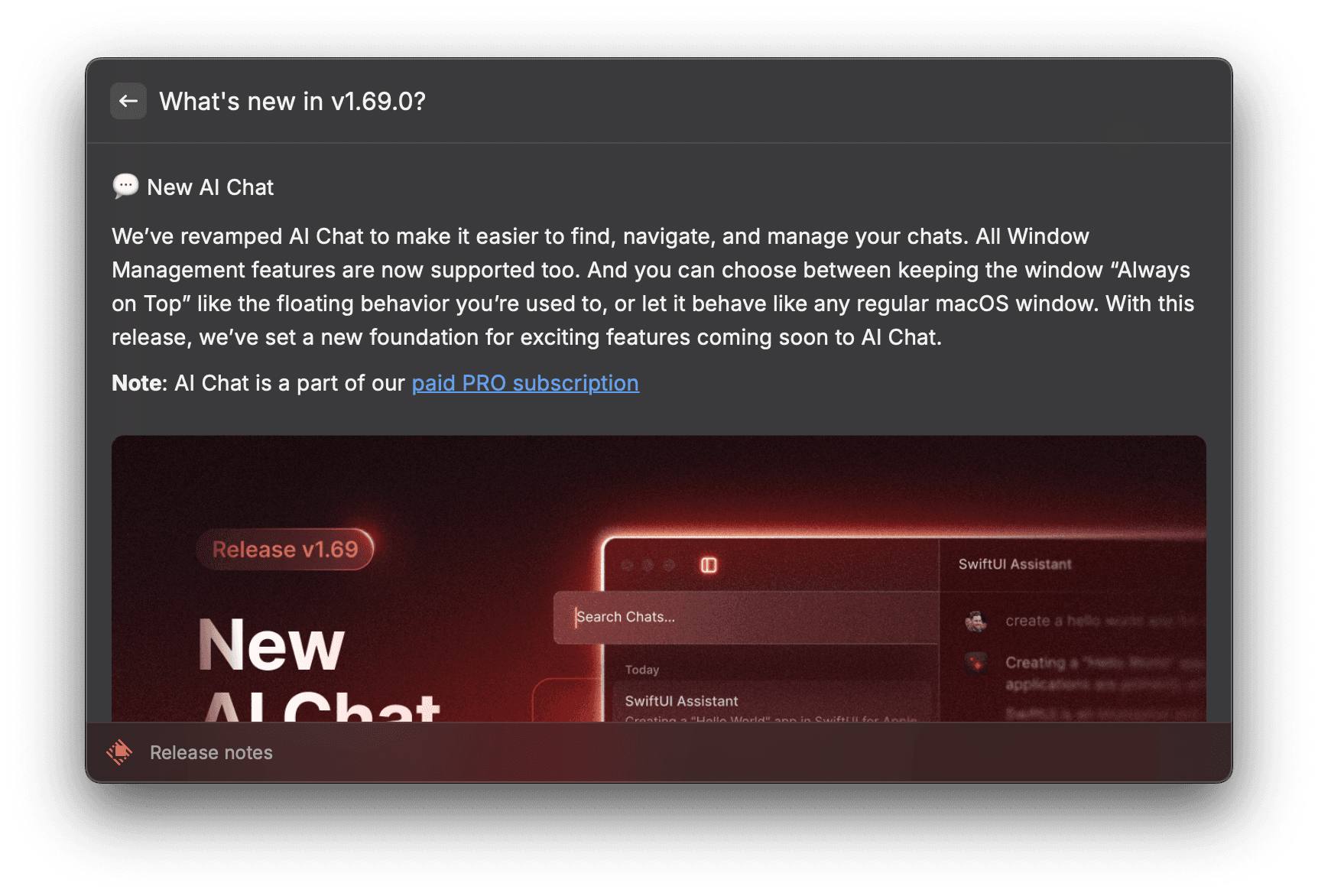
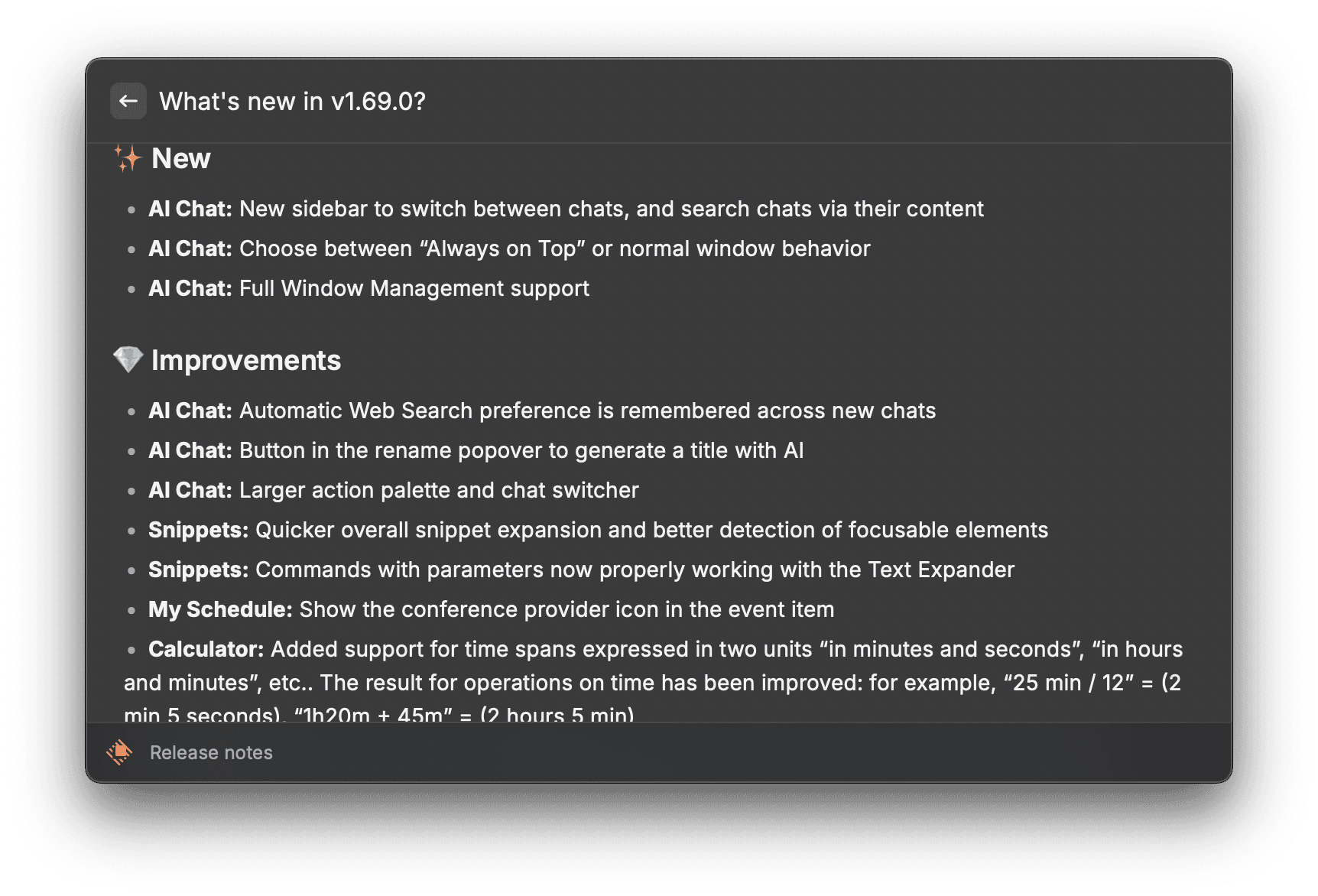
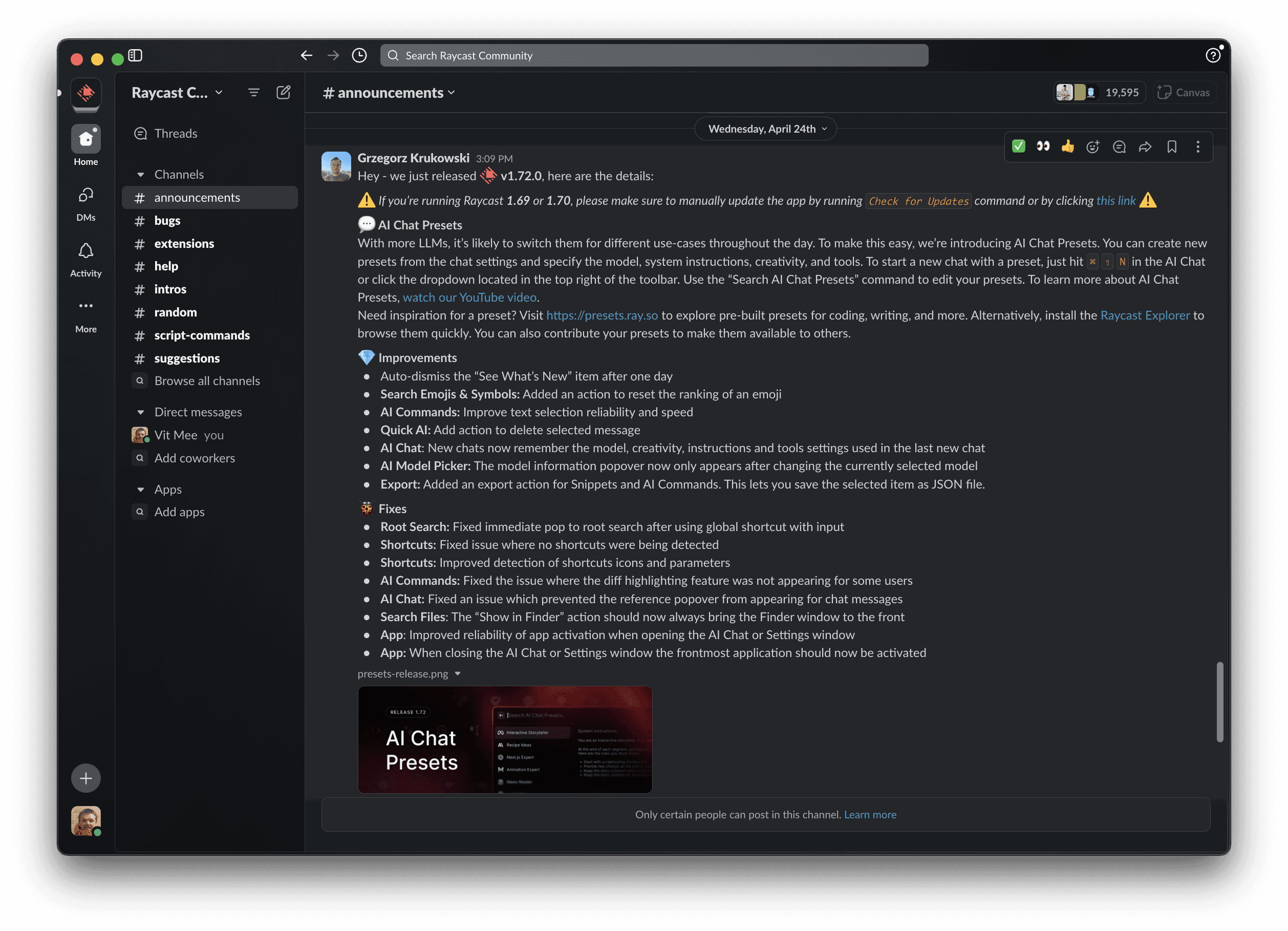
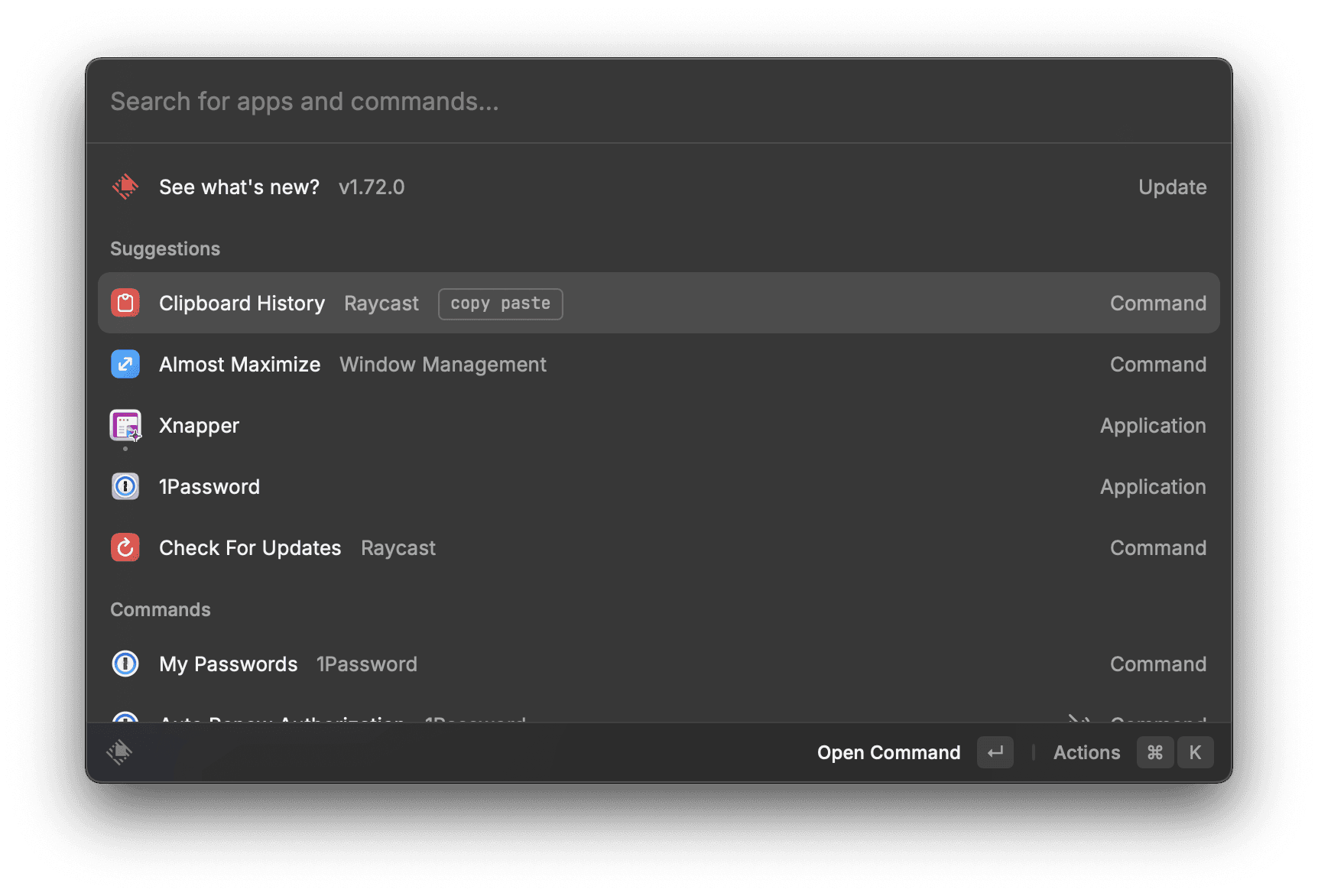
What Raycast does well
Have you ever missed a crucial update for a product you use? Raycast, a productivity tool, tackles this by crafting exceptional update announcements that inform users and nudge them toward the product’s value. Let’s delve into their approach and see what makes it so effective.
Focus on outcomes, no matter the feature size
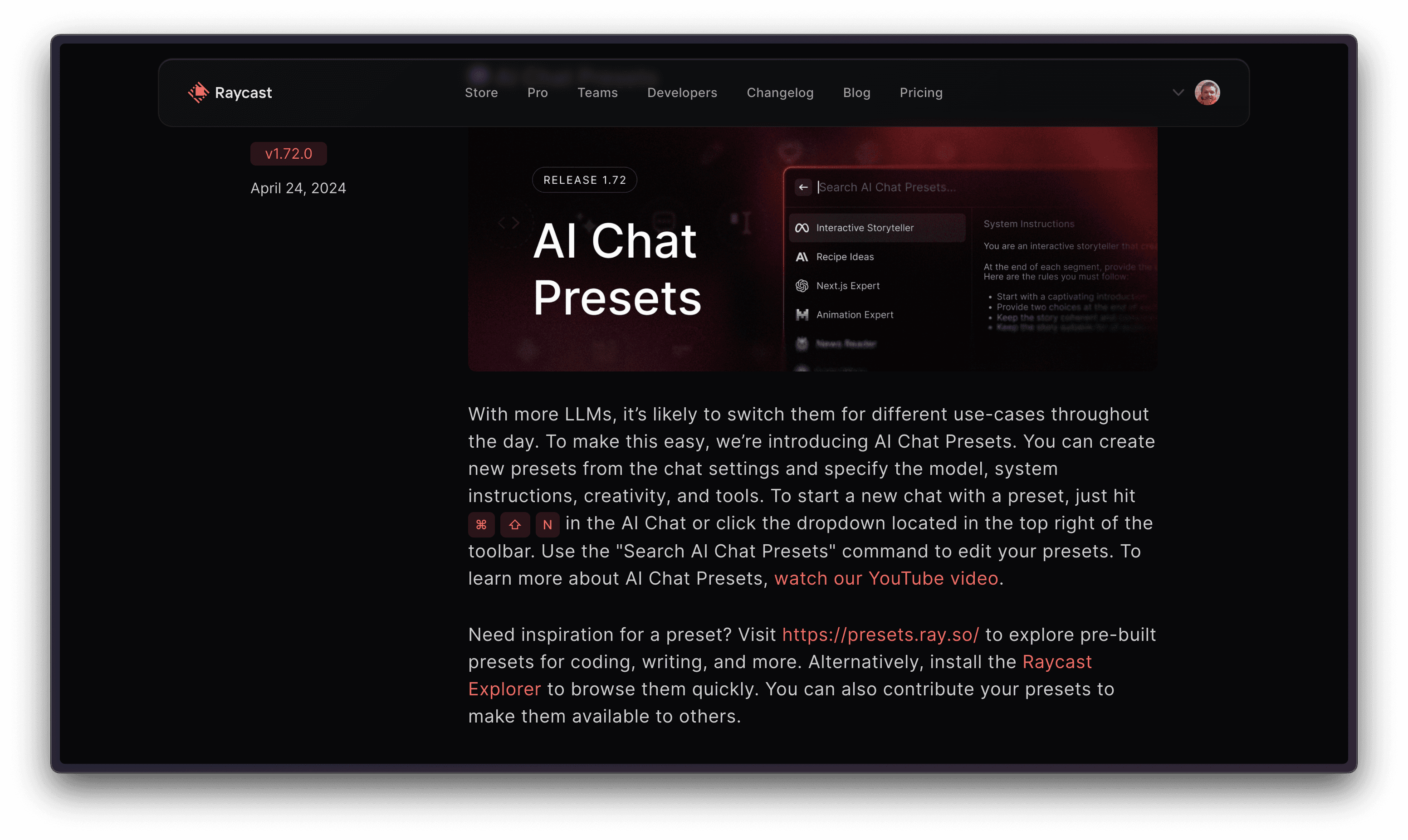
Raycast prioritizes showcasing the tangible benefits users gain from new features. Even seemingly basic features, like “Presets” for saving settings, are presented in the context of practical use cases.
Step 1: Context Setting.
In just 30 seconds, with visuals, the video briefly reminds users of related features released earlier, building a foundation for understanding the new update. (e.g., explaining “AI chats” before “AI chat presets”).
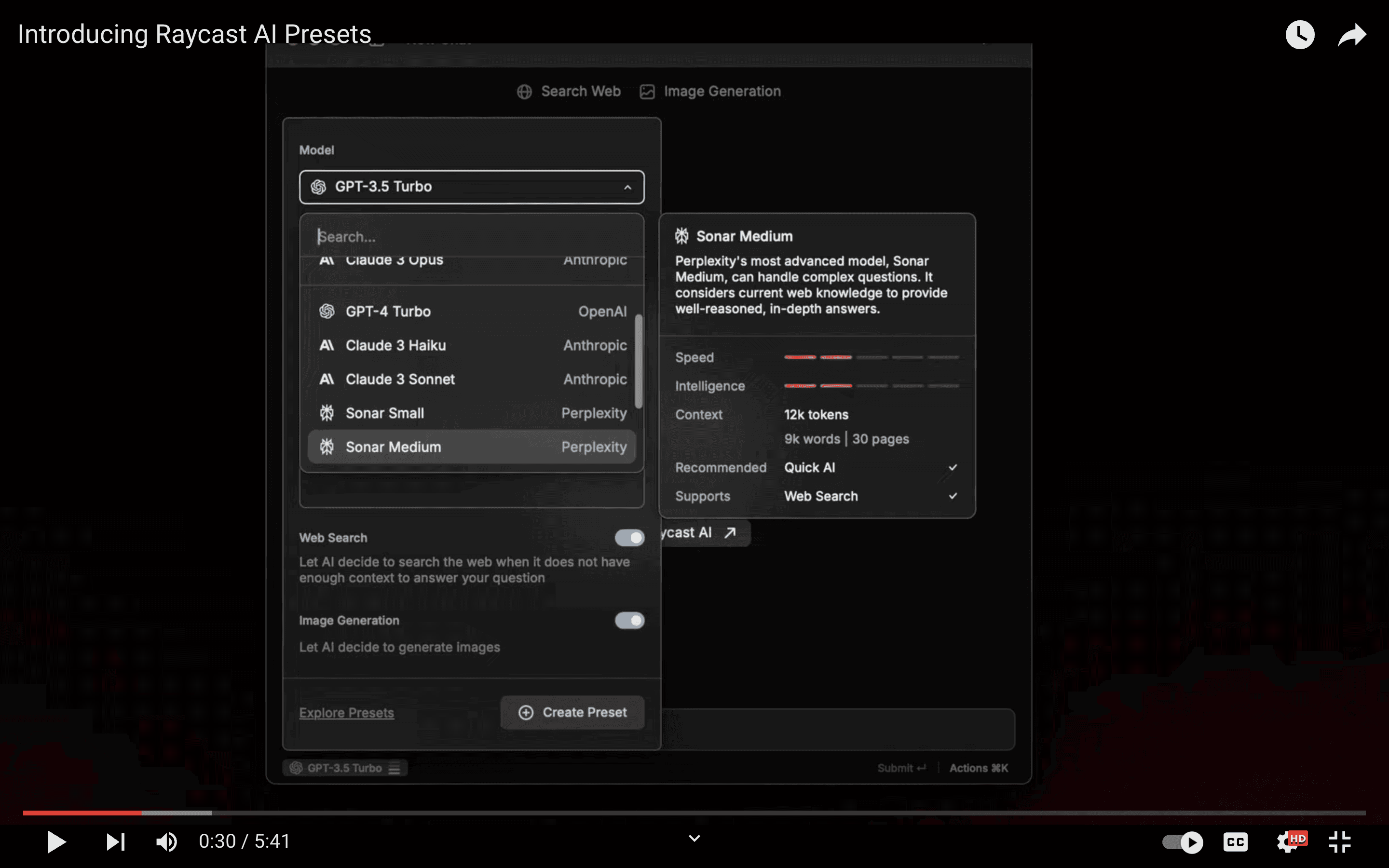
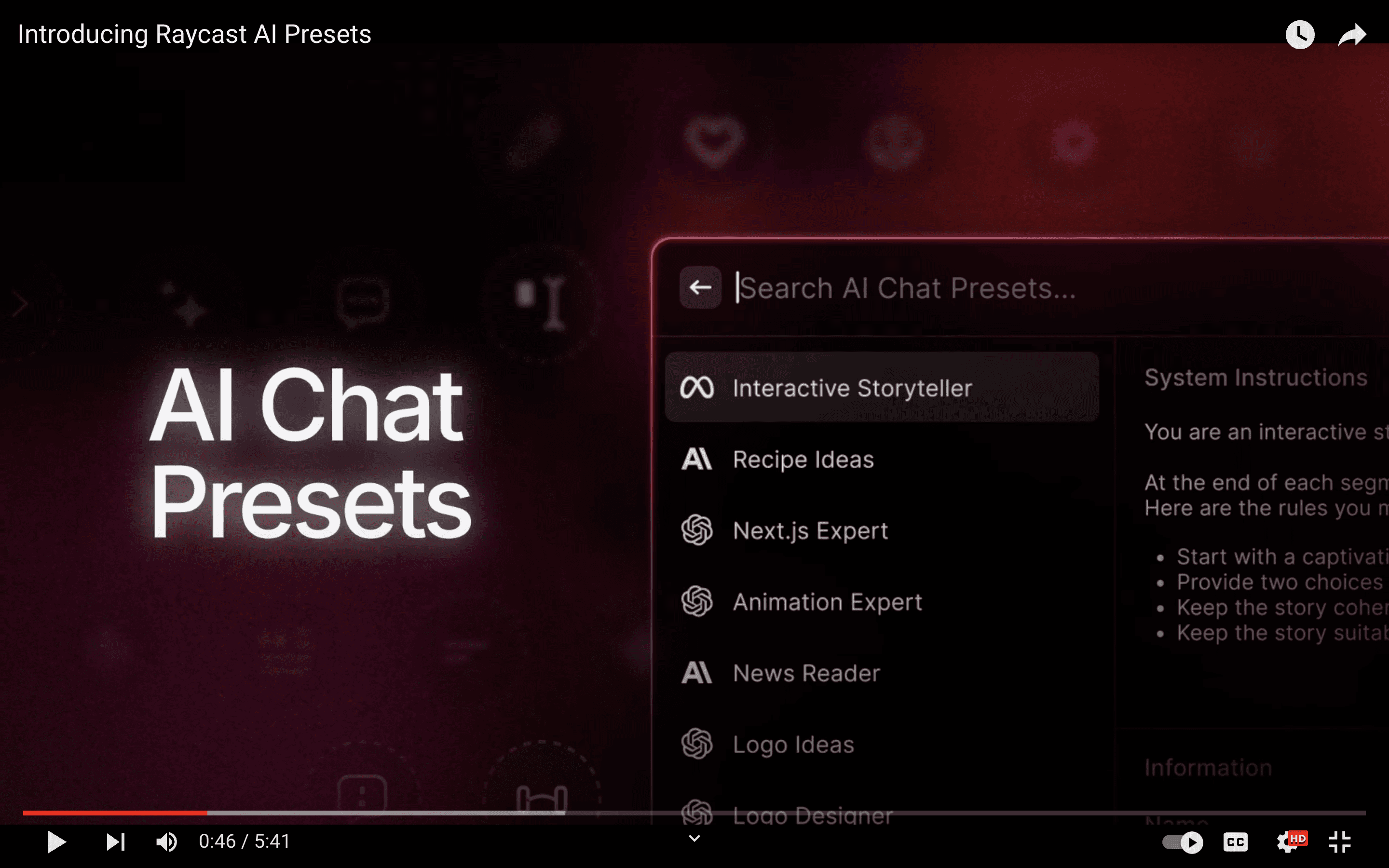
Step 2: Announcing the Update.
By introducing ‘AI Chat Presets,’ the video clarifies the focus of the new update. Showing the various preset titles like “Interactive Storyteller,” “Recipe Ideas,” “Next.js expert,” etc., gives viewers a teaser of the primary use cases the feature enables. Logos from AI providers like Anthropic and OpenAI are included, which hints at the power and flexibility of the presets.
Step 3. Simplicity in Action.
Rather than turning the announcement into a full tutorial, Raycast briefly demonstrates the feature’s ease of use. This prepares the user to try out presets without overwhelming them with details.

Step 4. Real-World Applications.
Learning by example is one of the most effective ways to explain a new concept. The video shows how combining Raycast’s AI chat and model support features with the new presets allows users to create purpose-built AI apps.
The “Writing Coach” and “React Expert” presets illustrate the practical benefits of the feature.
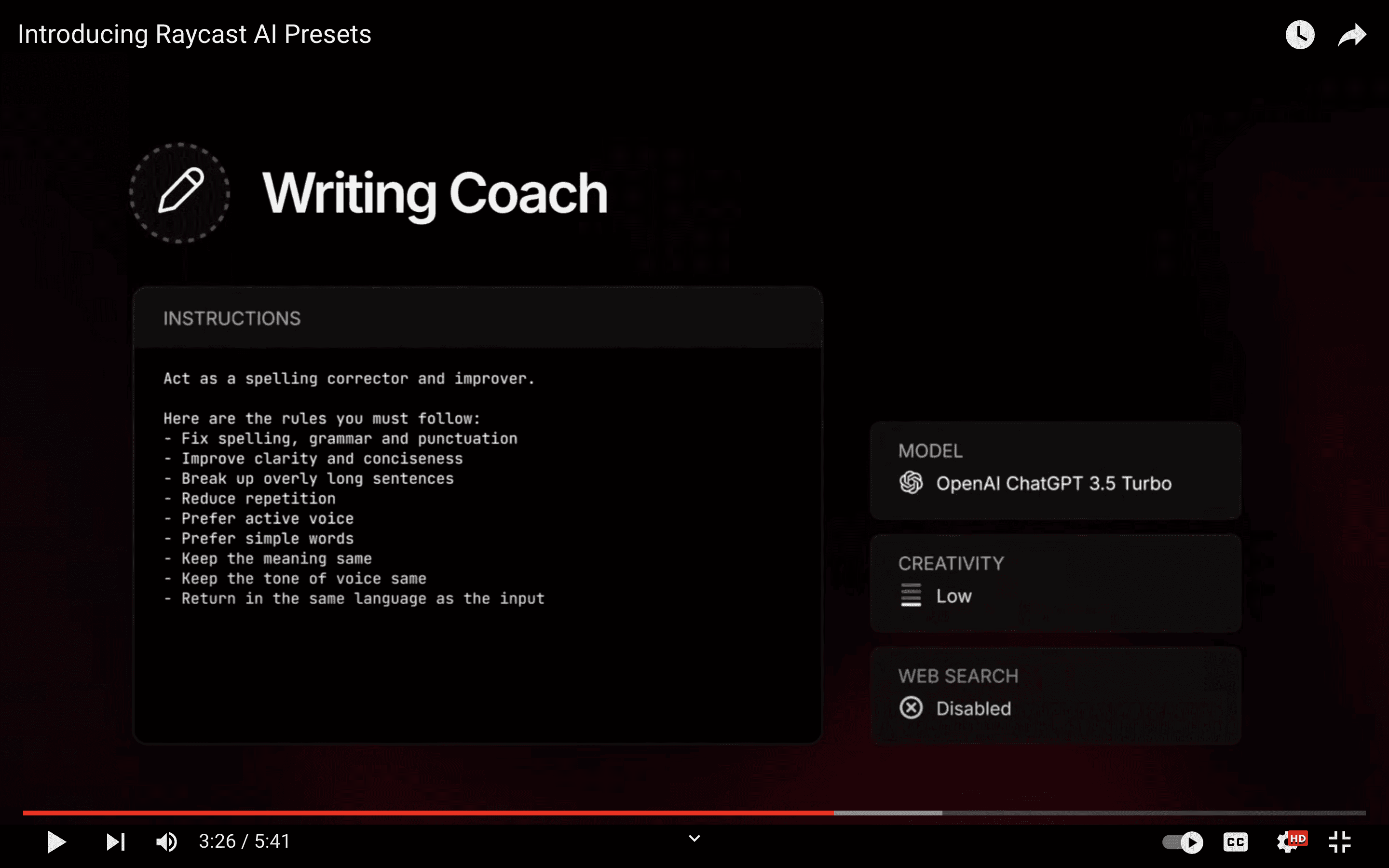
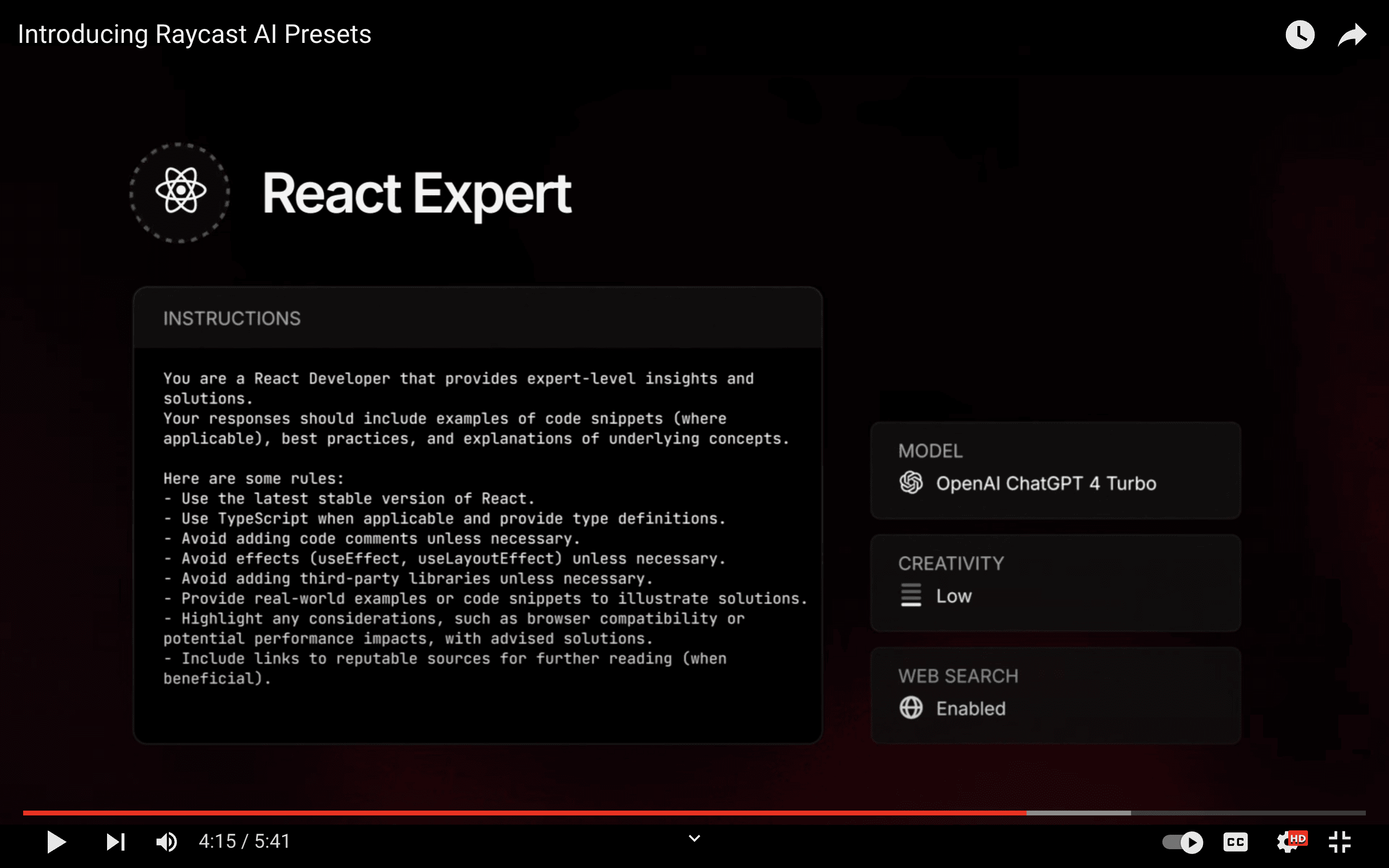
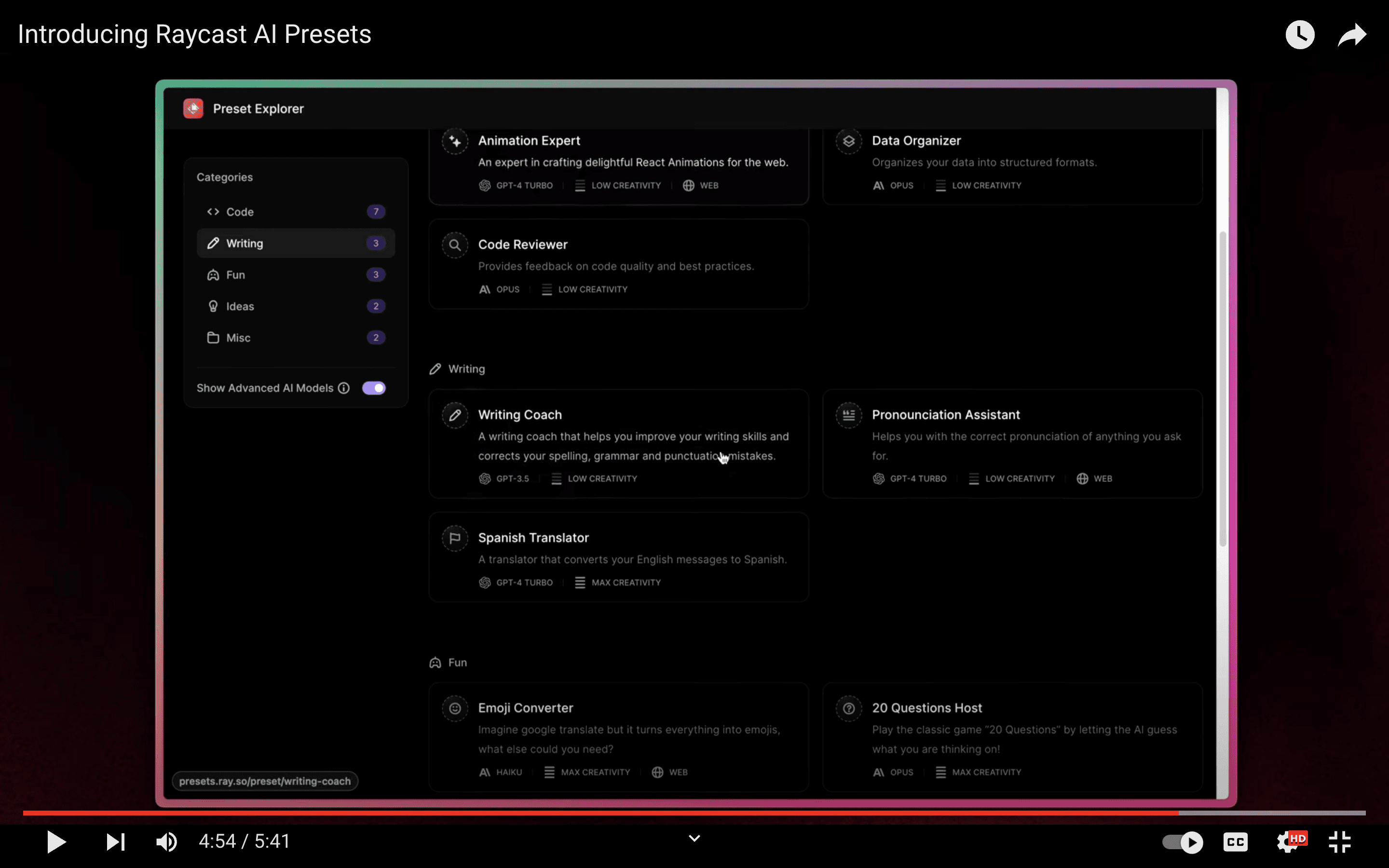
Step 5. Exploration Awaits.
Instead of announcing the feature, Raycast offers a curated library of example presets at https://ray.so/presets. This allows users to explore the possibilities of AI presets and get started quickly.
Turn features into sales
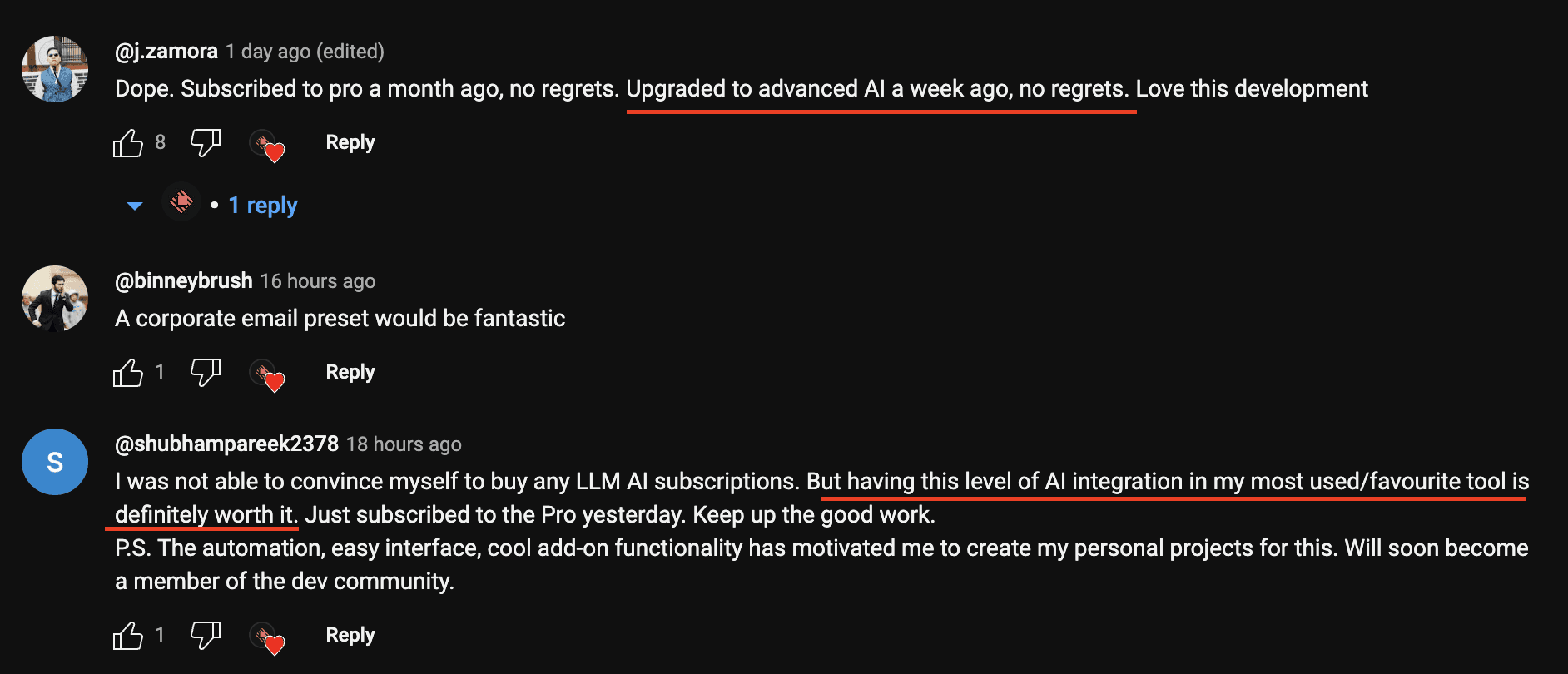
By demonstrating the power and ease of use, Raycast subtly encourages users to upgrade to their Pro plan, which includes the showcased features.
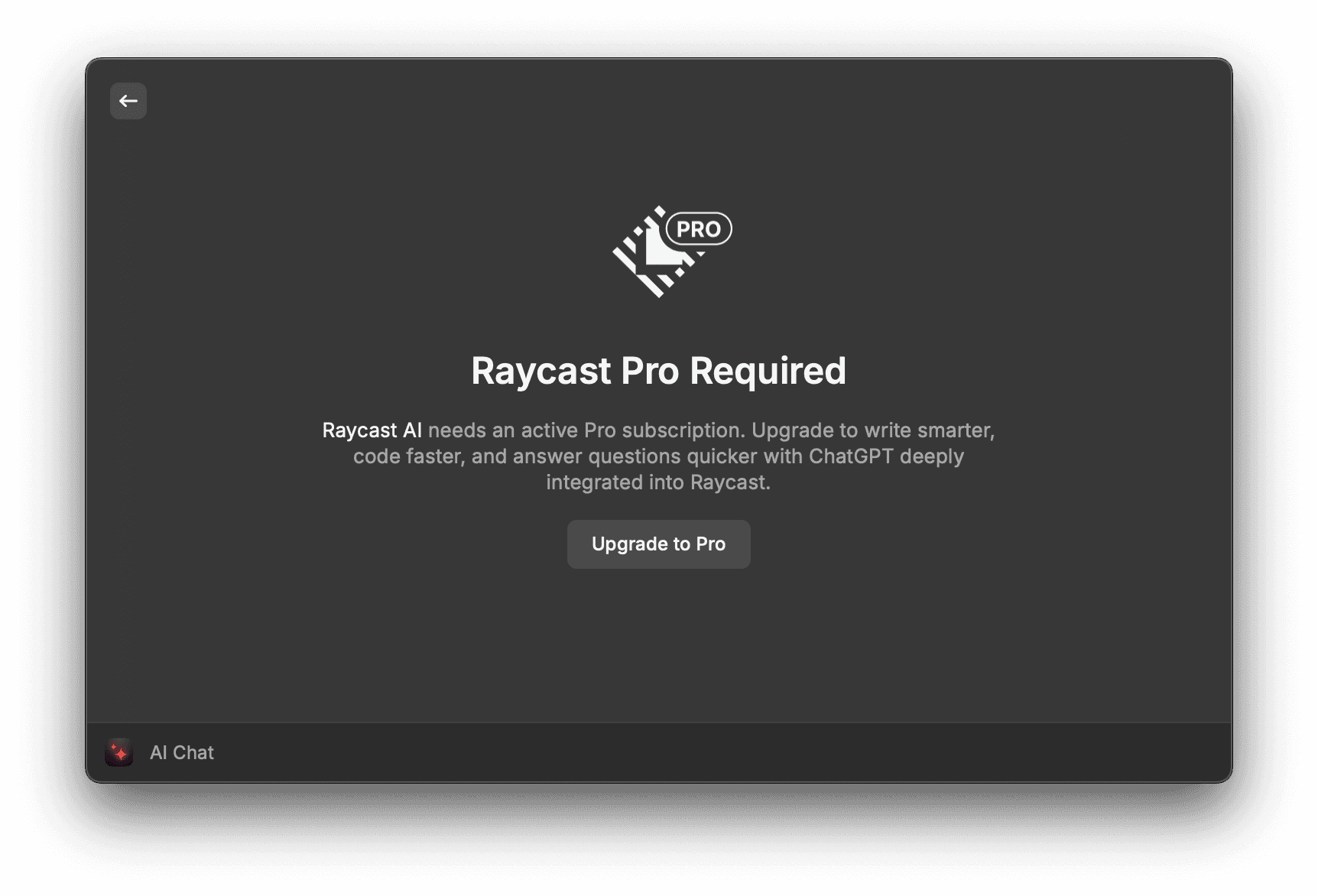
User comments on these announcements often reflect the appeal of the presented use cases.
Maintain the user flow
Raycast excels at seamless updates. New features are introduced organically, ensuring drastic changes don’t disrupt users.
Multi-channel announcements
Raycast utilizes various channels for announcements: in-product, website, Slack community, Twitter, and email newsletters.
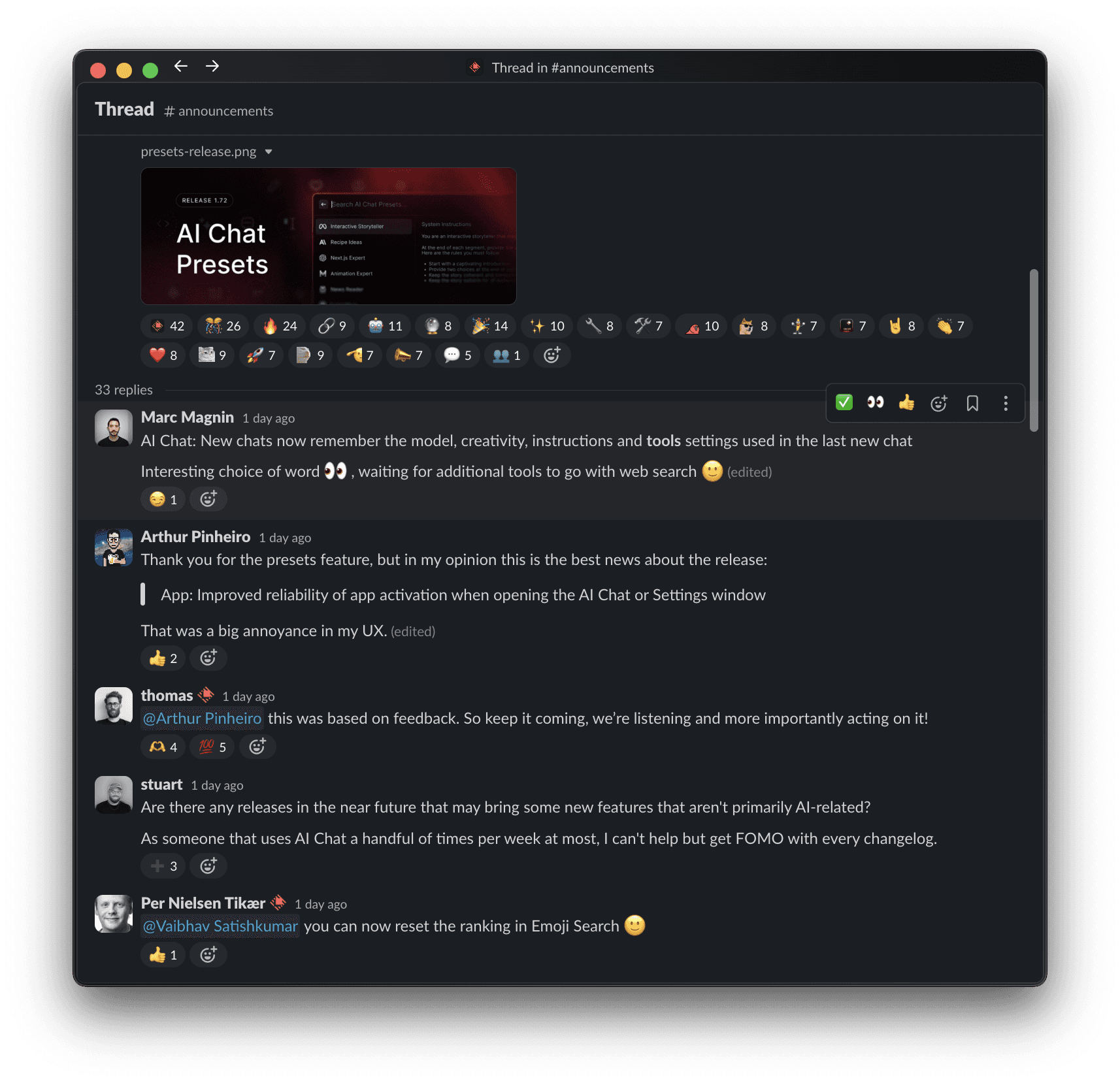
Harness feedback from Twitter and Slack
By actively monitoring user reactions on Twitter and Slack, Raycast gains valuable feedback on their updates. Positive comments act as social proof to encourage further adoption, while constructive criticism helps identify areas for improvement. Raycast takes advantage of all these benefits in its announcement strategy.

Areas for improvement
Better Consistency: While they deliver updates across email, Twitter, and Slack, the cadence (frequency) could be more consistent. This article explores how Raycast can leverage a more consistent schedule across channels to ensure everyone stays informed about new features and their value.
-
Better Consistency: While they deliver updates across email, Twitter, and Slack, the cadence (frequency) could be more consistent. This article explores how Raycast can leverage a more consistent schedule across channels to ensure everyone stays informed about new features and their value.
-
Expanding Feedback Options: While Slack offers a vibrant feedback avenue, incorporating comments directly on the changelog page or linking to a dedicated feedback board could further engage users.
-
Structured Navigation: As the feature set grows, implementing tags on the changelog for more straightforward navigation by topic would enhance discoverability.
Conclusion
Raycast’s update announcements are a shining example of user-centric communication. By prioritizing user benefits, showcasing practical applications, and fostering a feedback loop, they effectively engage their user base and drive product adoption.
Keep in mind that with Ducalis’ changelog tool you can automate your many routine operations like writing announcements, prepare emails and pages. All of that with comments and reaction features in all channels. That will be structured with navigation and filtering options, working on mobile and desktop with no additional effort.

And if you also have a Slack community you can convert messages and comments into new ideas for product development in a few clicks.