Release notes guide · 4 min read
Hotjar Release Notes: Historical Examples and Lessons
This is a historical review based on the preserved examples below. As of October 13, 2026, the original Hotjar release-note archive and post URLs redirect to a general company page; those links have been removed. The original YouTube playlist is also unavailable. The screenshots and available individual video remain for reference.
Review at a glance
 Educational style
Changelog Channels: Release Notes (historical archive; original links unavailable) · YouTube playlist (historical channel; playlist no longer available) · Updates on Twitter / X
- Engagement
- Provides extra detailed information how the feature works. Provide a clear call to action.
- Job-to-be-Done
- Guide users on the functionality, benefits, and how it simplifies tasks
- Consistency
- Highlight the main significant changes with tags to indicate the segment of improvement
- Multimedia
- Screenshots, GIFs, and videos familiarize users with the new features more quickly
- Delivery
- Non-intrusive account notifications through the embed widget, as well as notifications via email
- Search
- Highlight changes using tags and provide the option to search by field name
- Shareable
- Changelog is easy to share with a link, facebook, twitter and other messengers
- SEO
- Excels in optimizing its own content for search engines
- Actionable
- Media and detailed instructions explain how to use new features and their purposes
- Localization
- English, German, Spanish, Portuguese and Brazilian are available
Based on a book Release Notes People Actually Want to Read.
Hotjar’s release notes serve as a valuable resource for users, explaining the improvements made since the last update and how they can enhance users’ job performance. Each update is presented with instructions, various types of media, and clear calls to action to educate and engage users. Additionally, every update focuses on a single change, with detailed headings providing expectations.
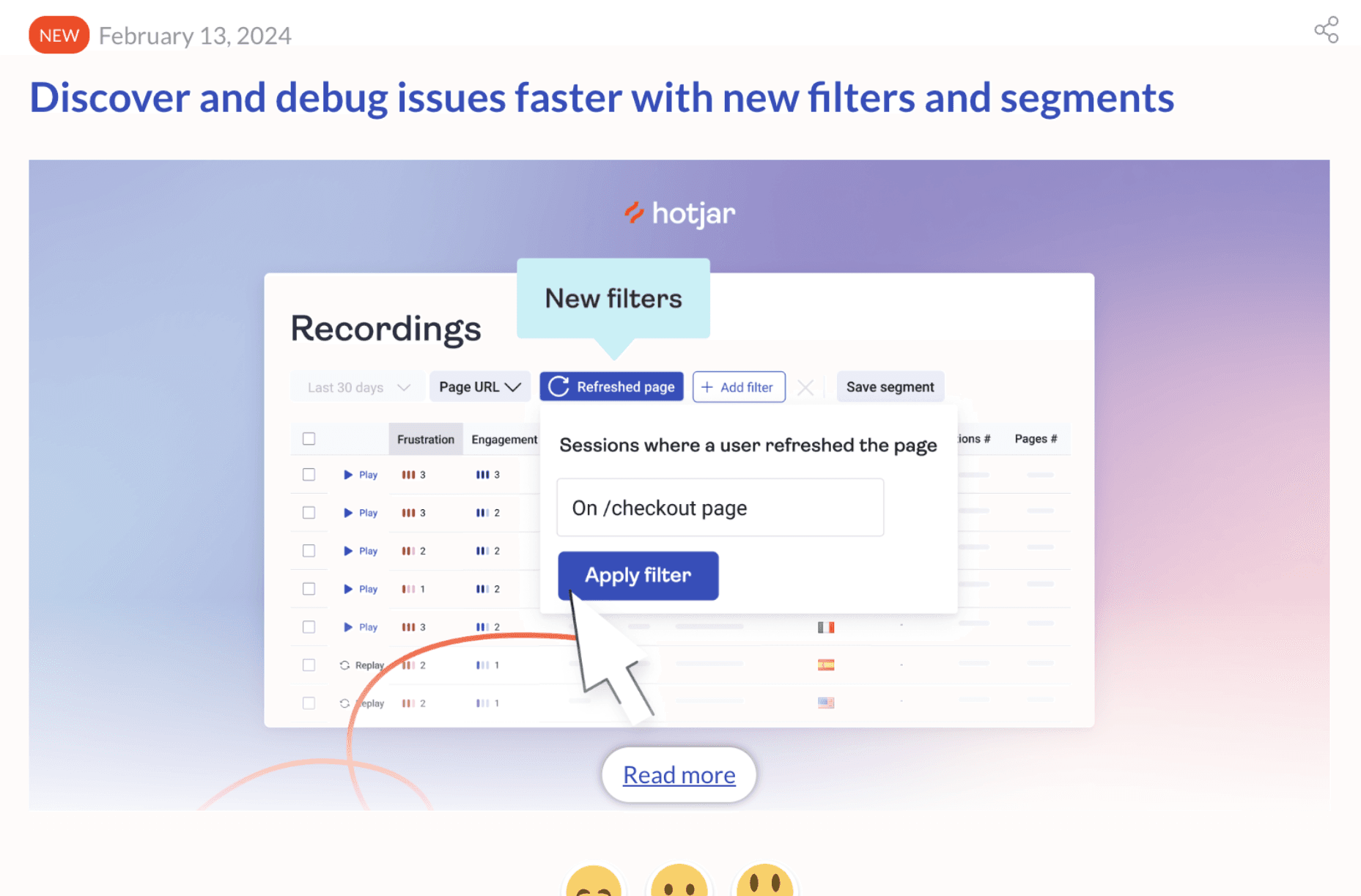
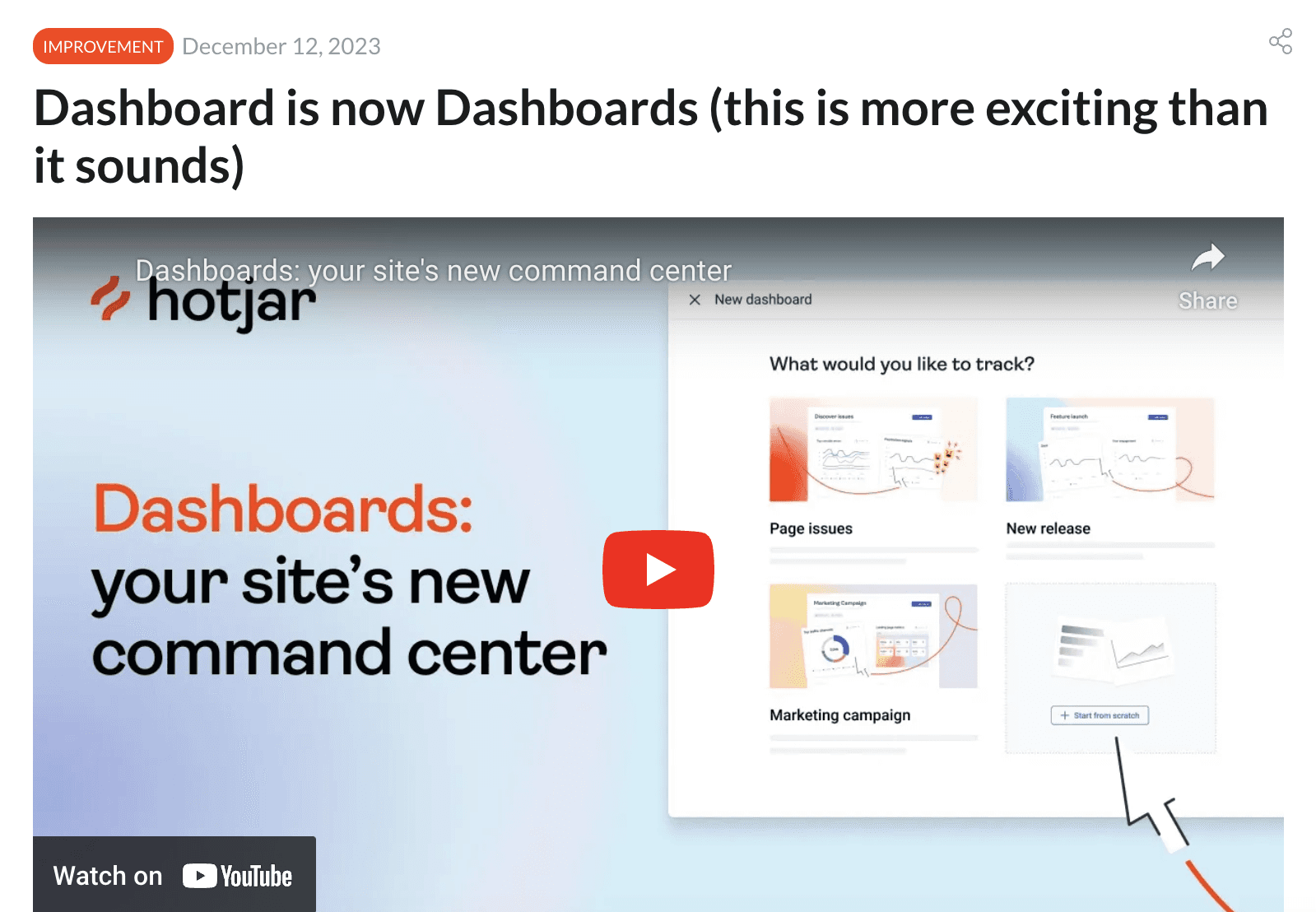
View the original localized example


What Hotjar does well
Ideas you should borrow to your release notes.
Job to be done
Hotjar provides detailed release notes for each individual issue, explaining how customers can utilize the new feature or enhancement to their advantage and outlining the benefits they will receive.
For example, they released Integration with HubSpot and they explained how it can assist various teams across different spheres.
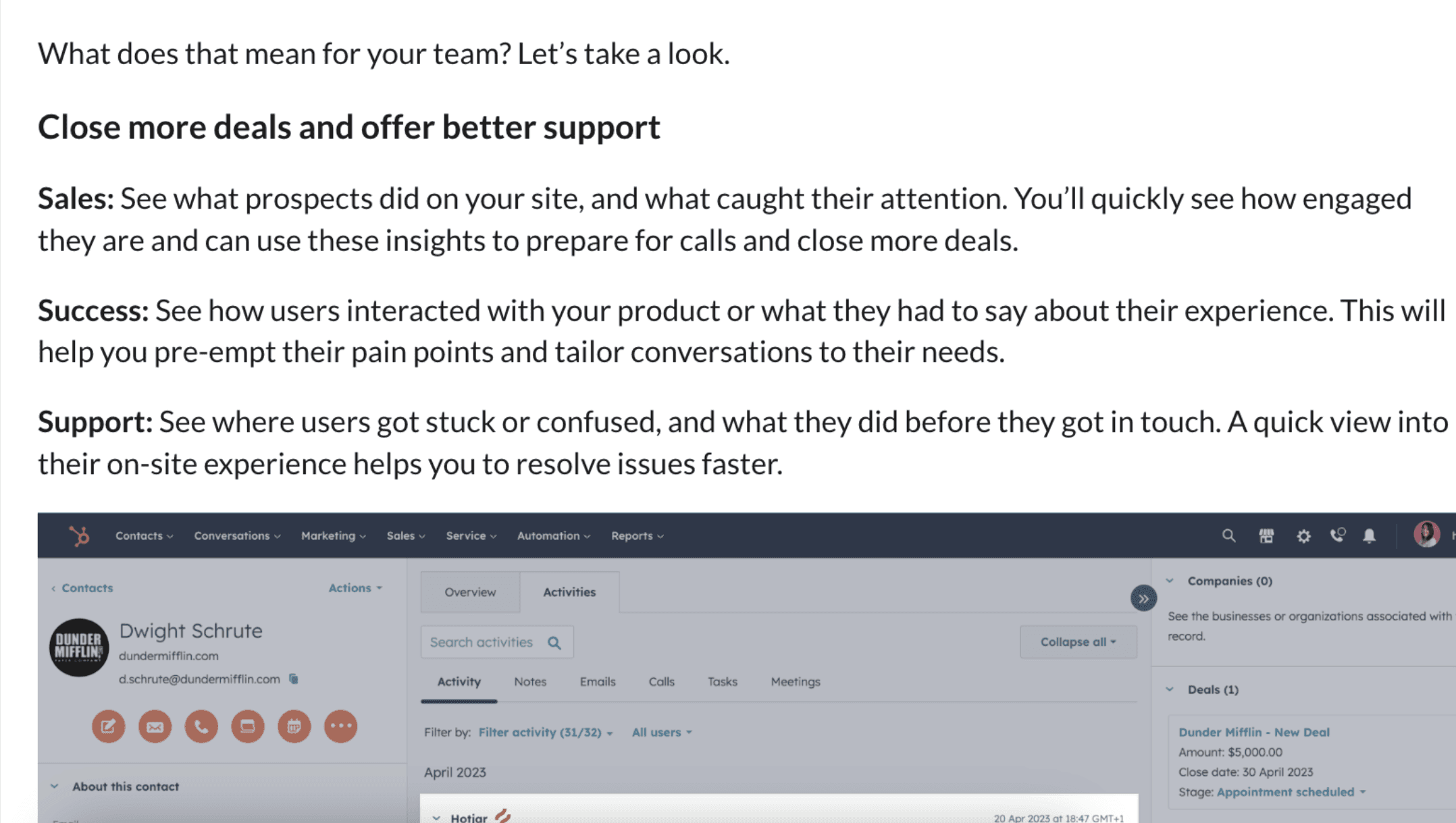
Example from Integration with HubSpot
Provide your users with examples of use cases for the new feature. This helps users to start using it more quickly and correctly. Check the Hotjar Save time by adding your funnels to the Dashboard with some examples of usage.
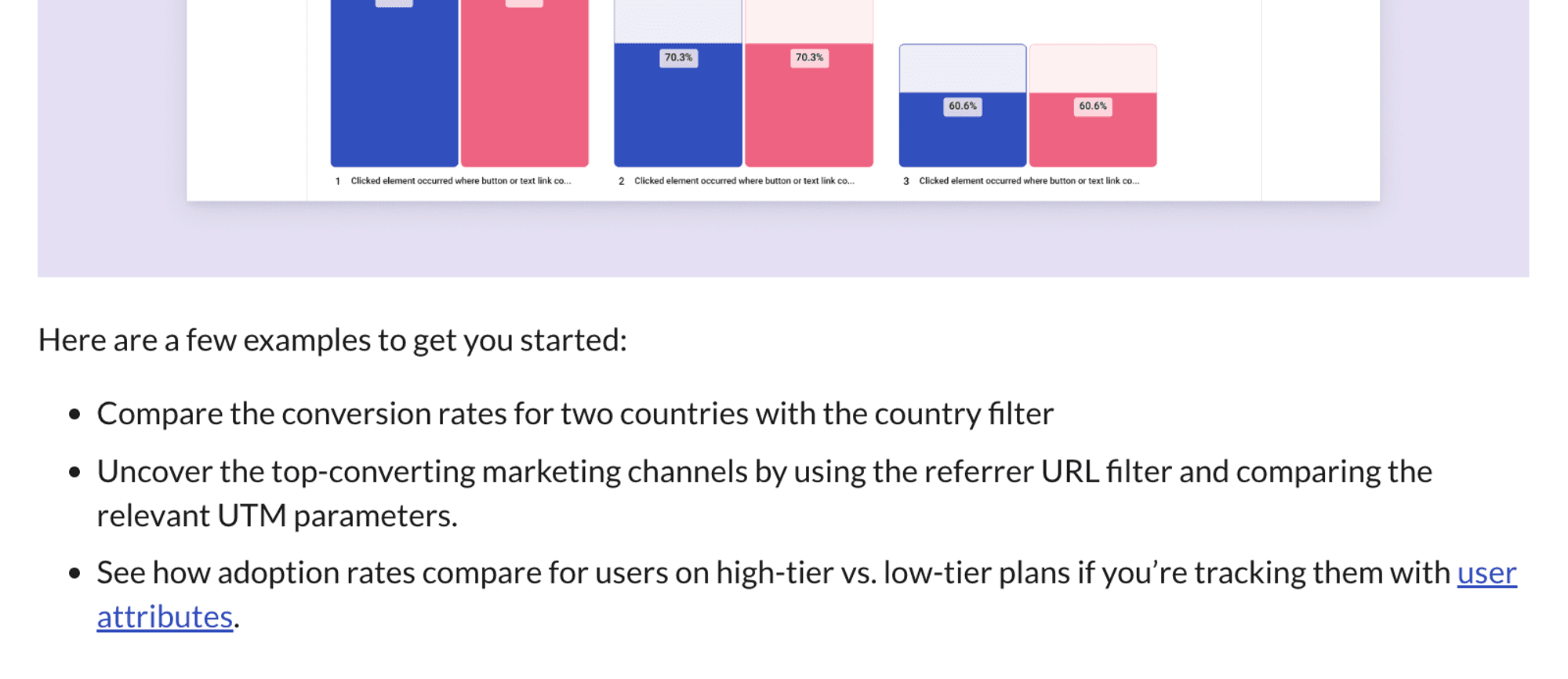
Example from Save time by adding your funnels to the Dashboard
Clear headlines provide an understanding of the feature, indicating what to expect and motivating users to read more about the release note. When I am reading this release note heading, I can easily determine my level of interest in it.
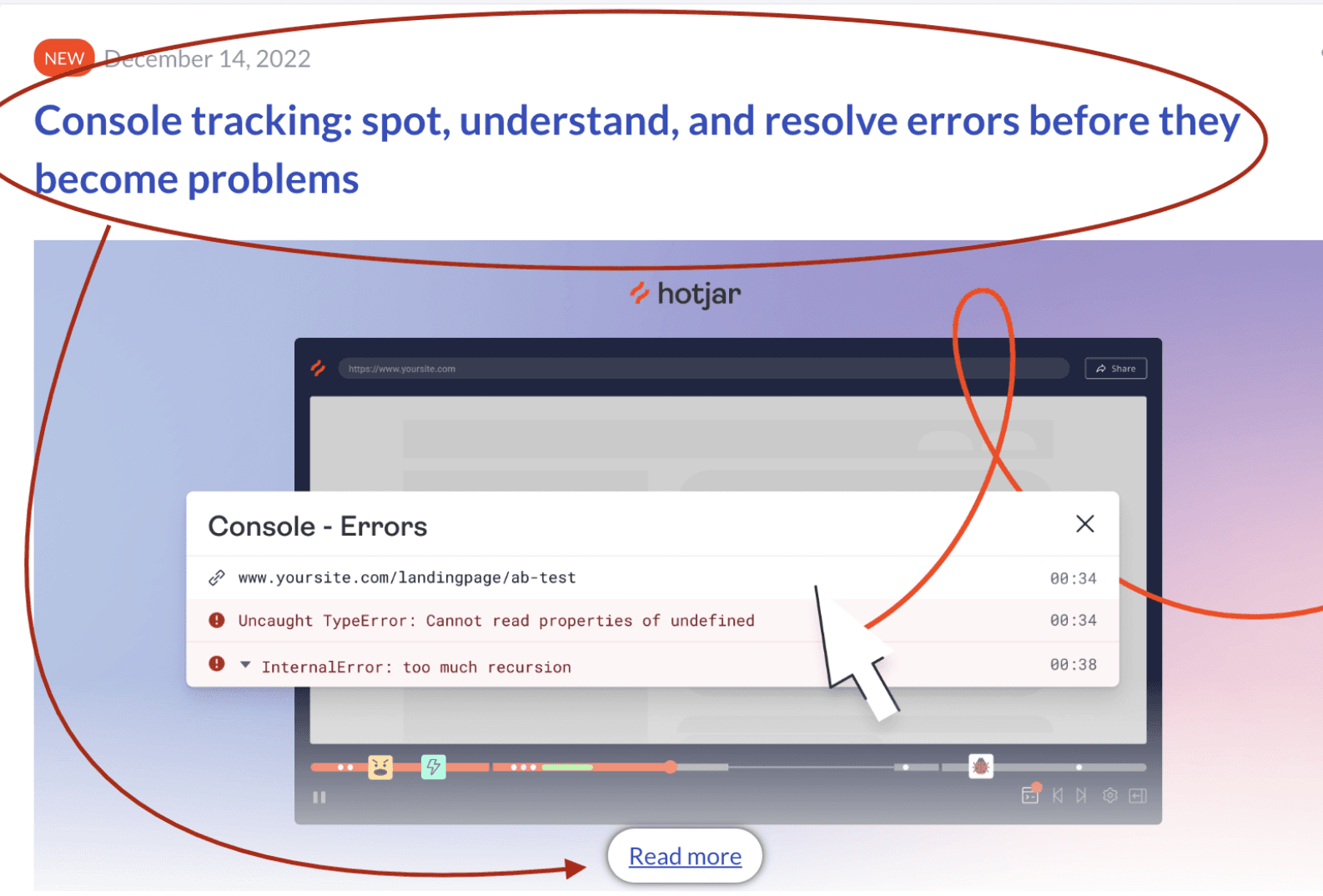
Example from Console tracking release note
Consistency and search
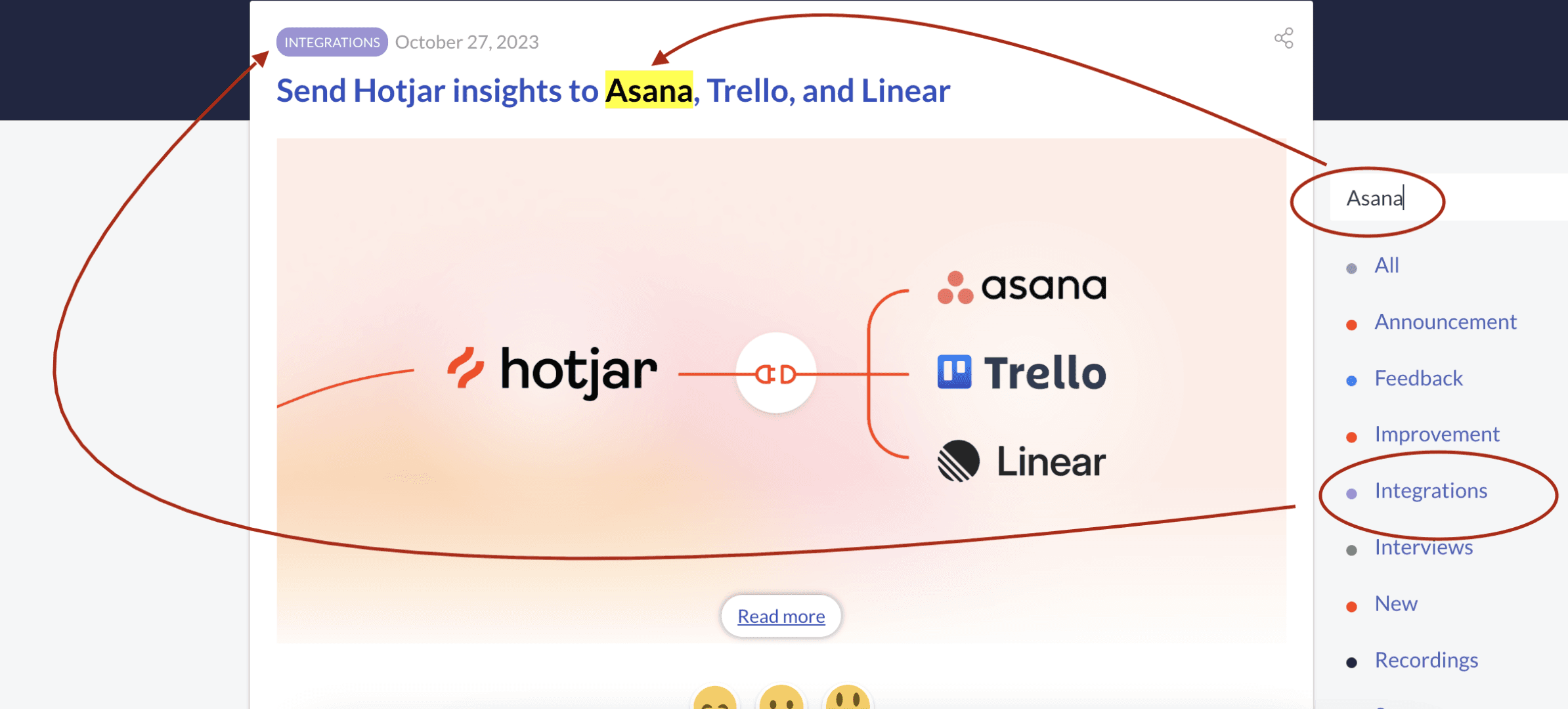
Hotjar maintains consistency in its release notes by highlighting significant changes with tags and providing the option to search by field name, thereby facilitating the discovery of personal requests.
Group related changes together to make your changelog more readable and organized. But it would be better to lock the tags’ location.
Engagement and multimedia content
Incorporate a clear call-to-action to guide users to the feature, encouraging them to try it out immediately. Links direct users to the corresponding section or functionality within their account, facilitating guidance and onboarding for this new features.

Example from Hotjar AI comes to Surveys release note
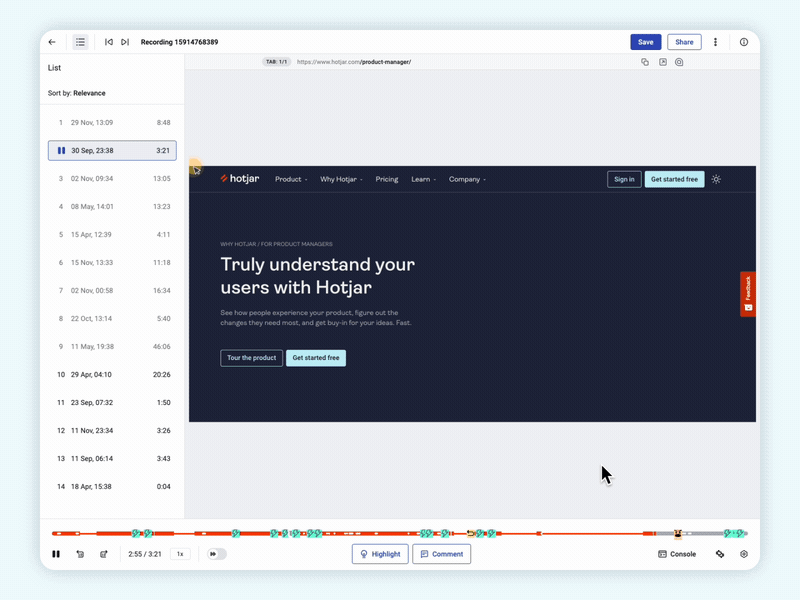
Enhance release notes by incorporating step-by-step instructions, accompanied by videos or GIFs, to make them eager to try features out and get the gist of the change. For example, they introduced Hotjar AI comes to Surveys with a fun but informative video.

Check out Hotjar YouTube channel
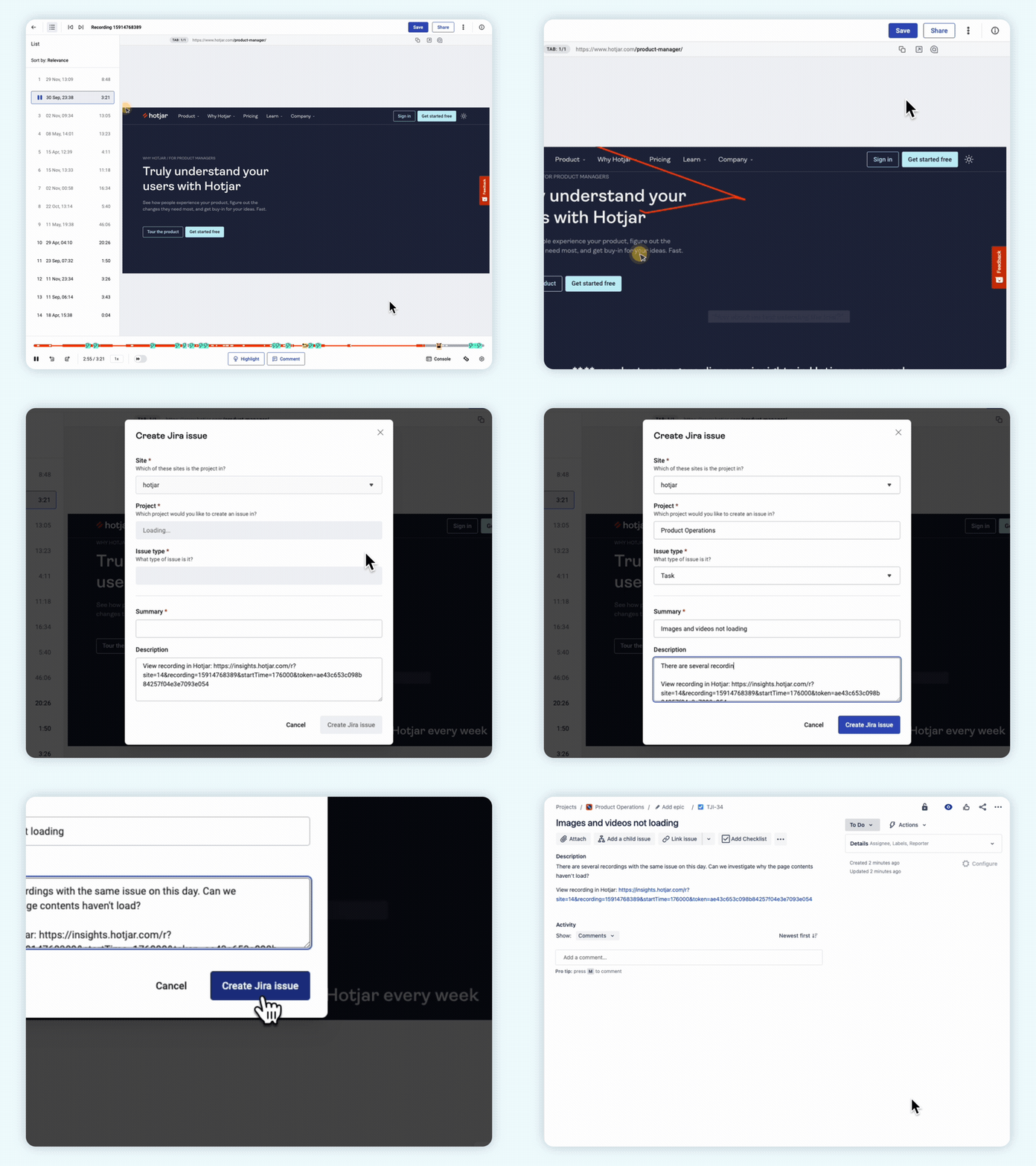
In Report and resolve issues faster with the Hotjar and Jira integration there is clear gif how to send the issue to Jira tracker.
SEO and localization
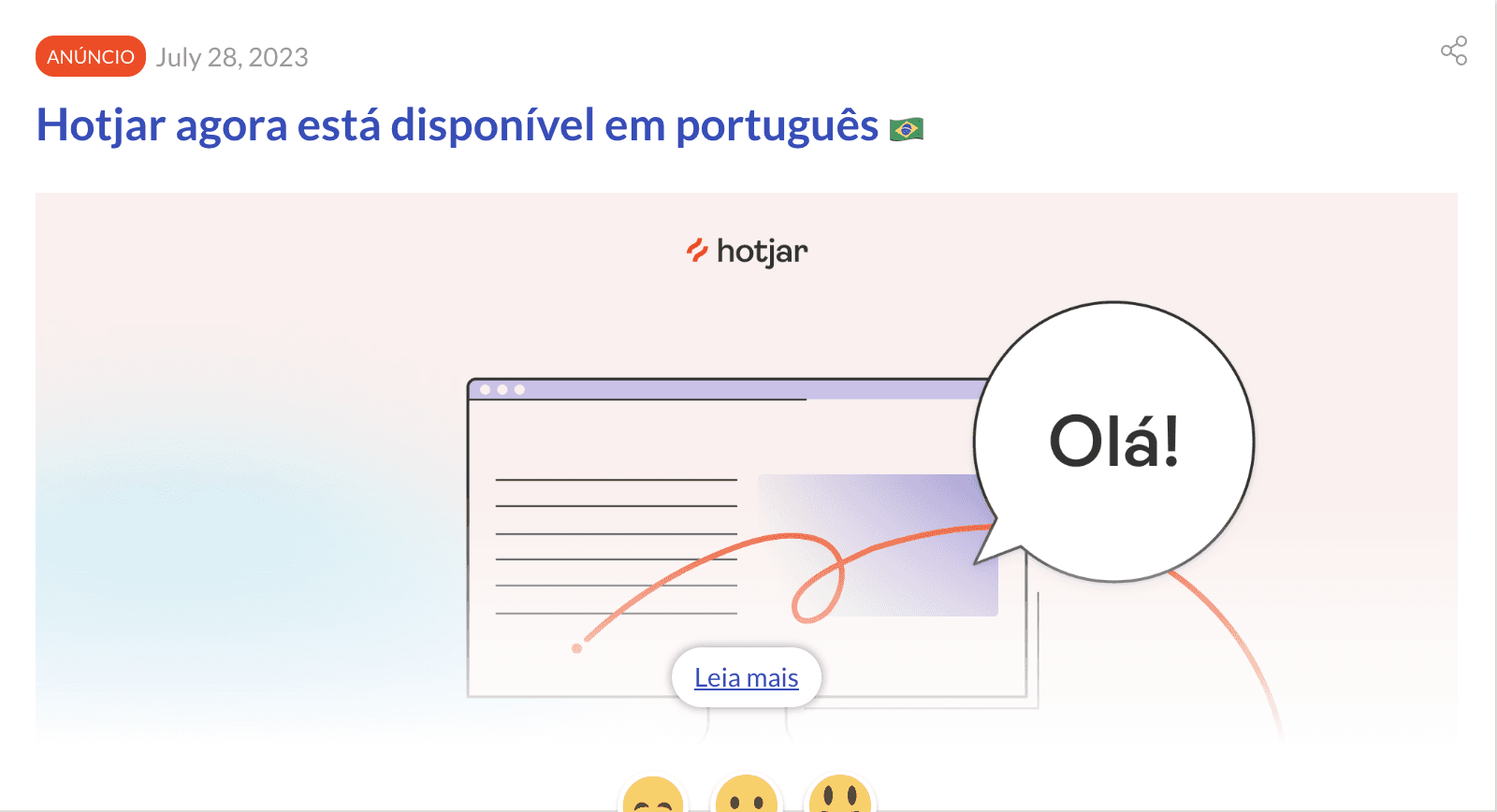
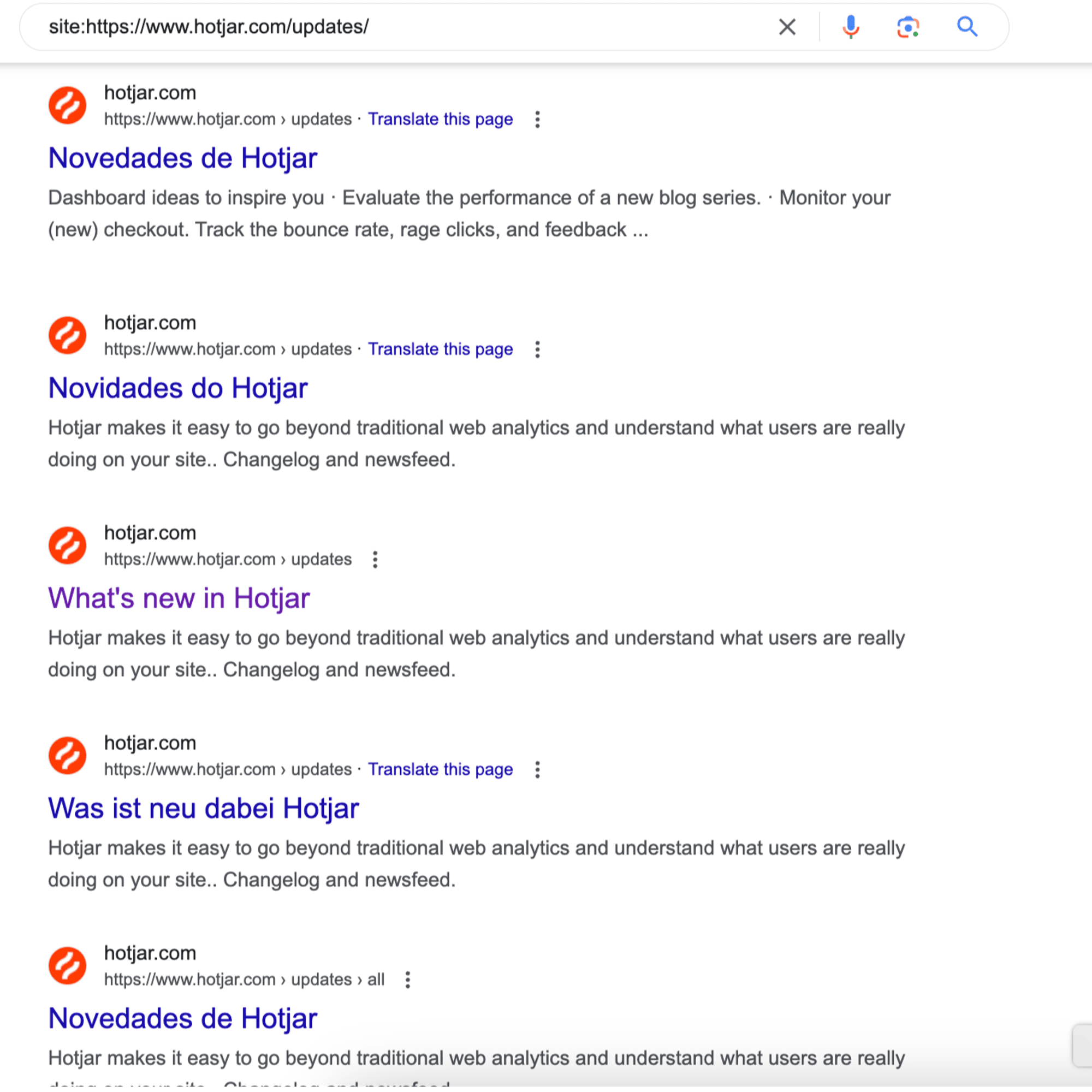
Hotjar excels in optimizing its release notes for search engines, ensuring that they are easily discoverable by users seeking information about the platform’s updates. This practice enhances visibility and accessibility, attracting more organic traffic and expanding the user base.
Use multi-languages content and pages. You can reach a wider audience across different regions and linguistic backgrounds. This increases the potential for attracting international traffic to your website.
Tip: Don’t forget to adjust meta tags for each language.
Areas for improvement
User feedback
While reaction buttons are provided for new features, the absence of comments on product updates limits the depth of user feedback. Incorporating a feedback mechanism within the release notes or account interface could facilitate richer discussions and insights from users, enhancing the feedback loop and fostering community engagement.
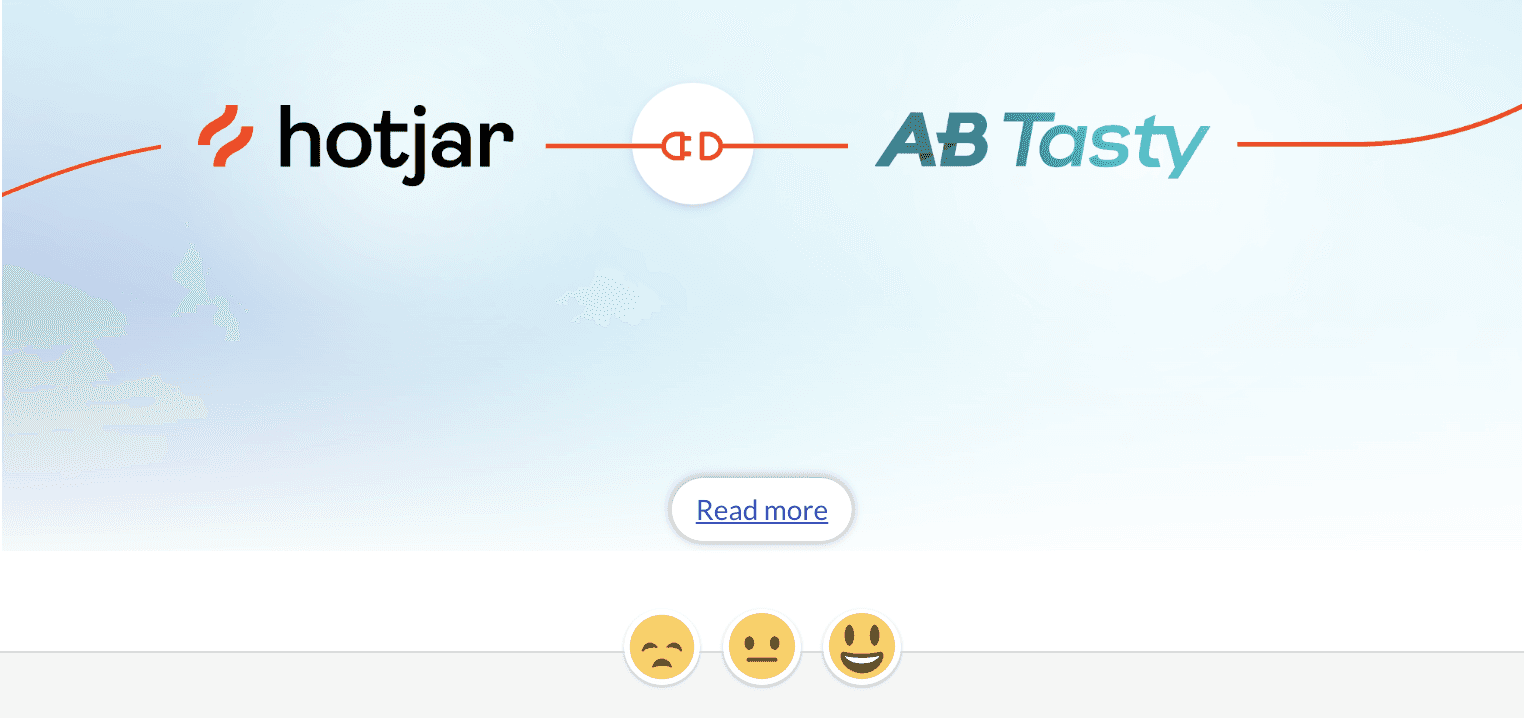
Example from AB Tasty + Hotjar: a recipe for more impactful campaigns
Subscription
Currently, there is no subscription option for users to receive update notifications; they need to have an account within the app or rely on email notifications. Introducing a subscription feature could provide users with more flexibility and control over how they receive updates, improving overall user experience.
Conclusion
Hotjar provides detailed release notes categorized with tags. Step-by-step descriptions explain how customers can leverage the new feature to their advantage. Clear calls-to-action in the release notes prompt users to explore the feature immediately.
You can enhance your own release notes by adopting Hotjar’s strongest strategies describing above.