Release notes guide · 4 min read
Grammarly Release Notes: Examples and Review
Review at a glance
 Featural style
Changelog Channels: Web Changelog · Updates on Blog · Updates on YouTube · Company updates on X (Superhuman)
- Engagement
- Focusing on user needs and new values each update brings.
- Readability
- Plain language and eliminating all the technical details from the copy.
- Consistency
- Seasonal updates highlighting the main changes, grouped by plan type.
- Multimedia
- Good educational video usage.
- Design
- The clean design.
- SEO
- Releases are indexed by search engines.
- Frequency
- Once every 3 months.
- Accessibility
- The content is optimized for mobile.
- Actionable
- Contain ways to education, benefits and sales.
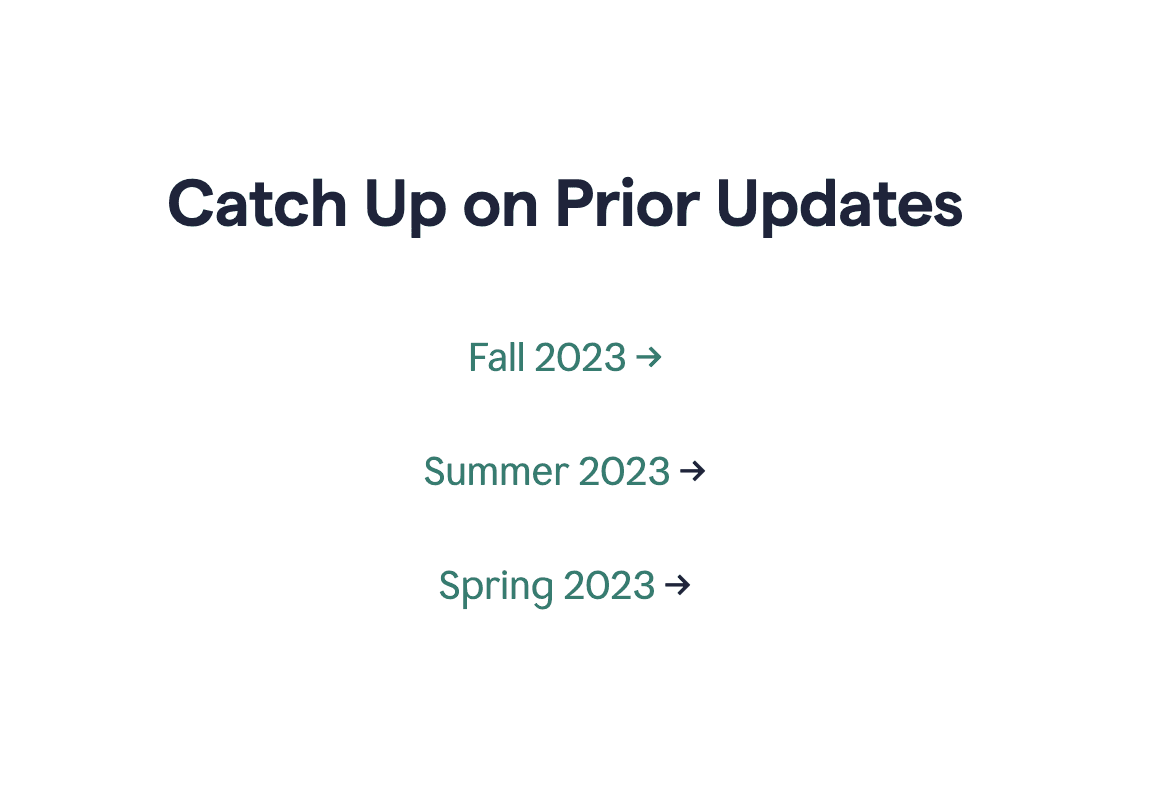
- Archive
- Release Note archive is available.
- Multi-channel
- Updates are distributed through Release Notes page, Support with resolved bugs, Twitter and YouTube.
Based on a book Release Notes People Actually Want to Read.
Grammarly is the AI writing partner that helps people at every stage of the writing process. Prioritizing user experience, it publishes product release notes tailored to the target audience, using interface visuals to showcase the value of each update.
What Grammarly does well
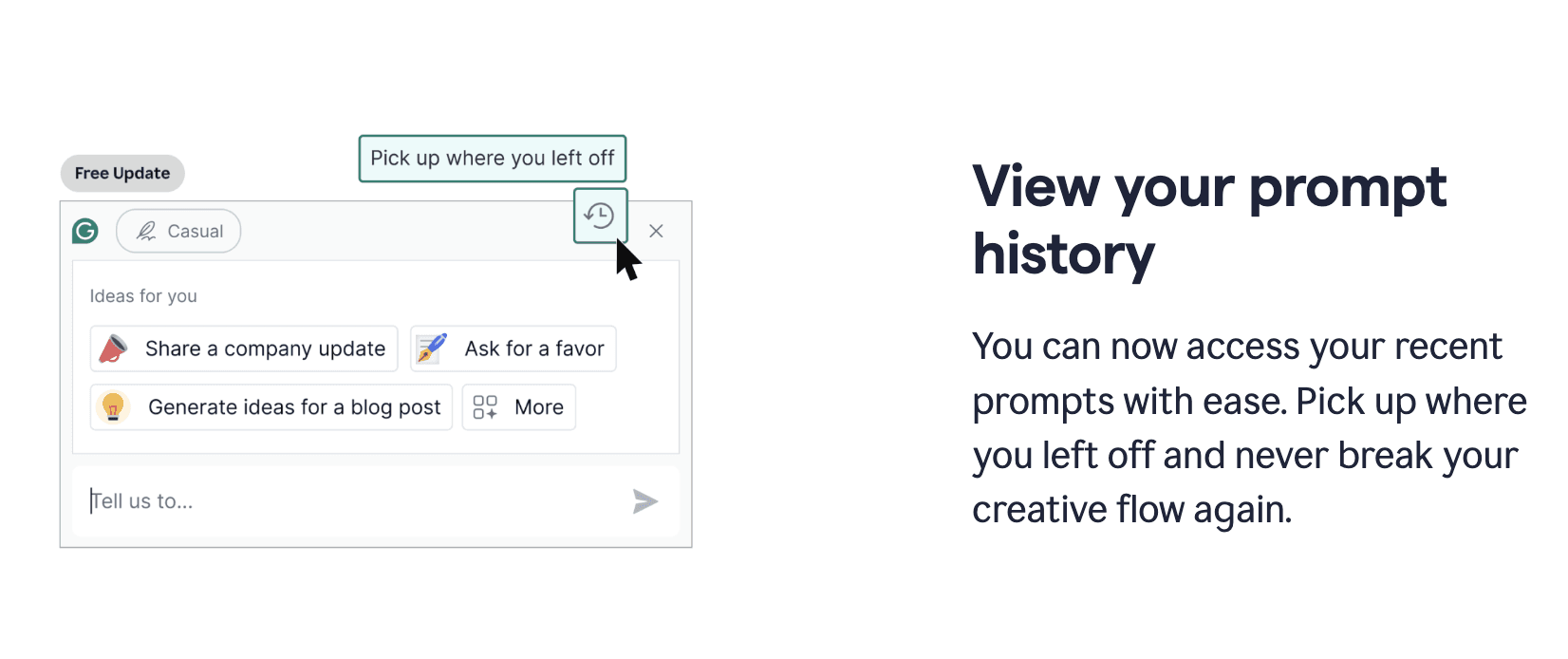
Explain updates with short text and media
Grammarly prioritizes clear communication by focusing on user needs and the new value each update delivers. To achieve this, they eliminate technical jargon from their releases.
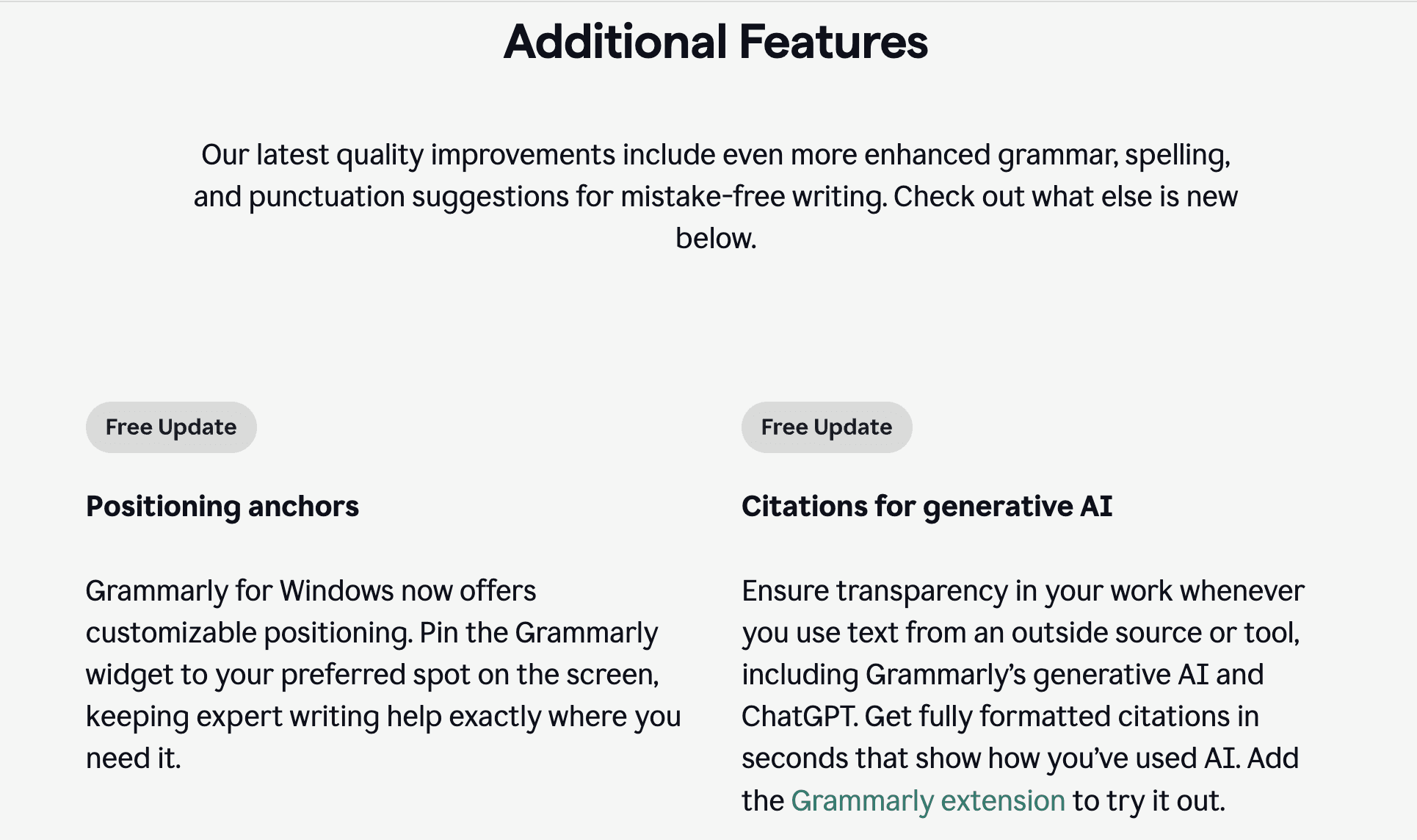
Each update comes with a short description and explainer video or image to enhance understanding. The media illustrates the update’s purpose and gives everyone a head start on what to expect and helps gauge user reactions.
Less significant enhancements are also documented in text format. The update names are clear and concise, helping users understand what’s included.
Use highly relevant videos and images
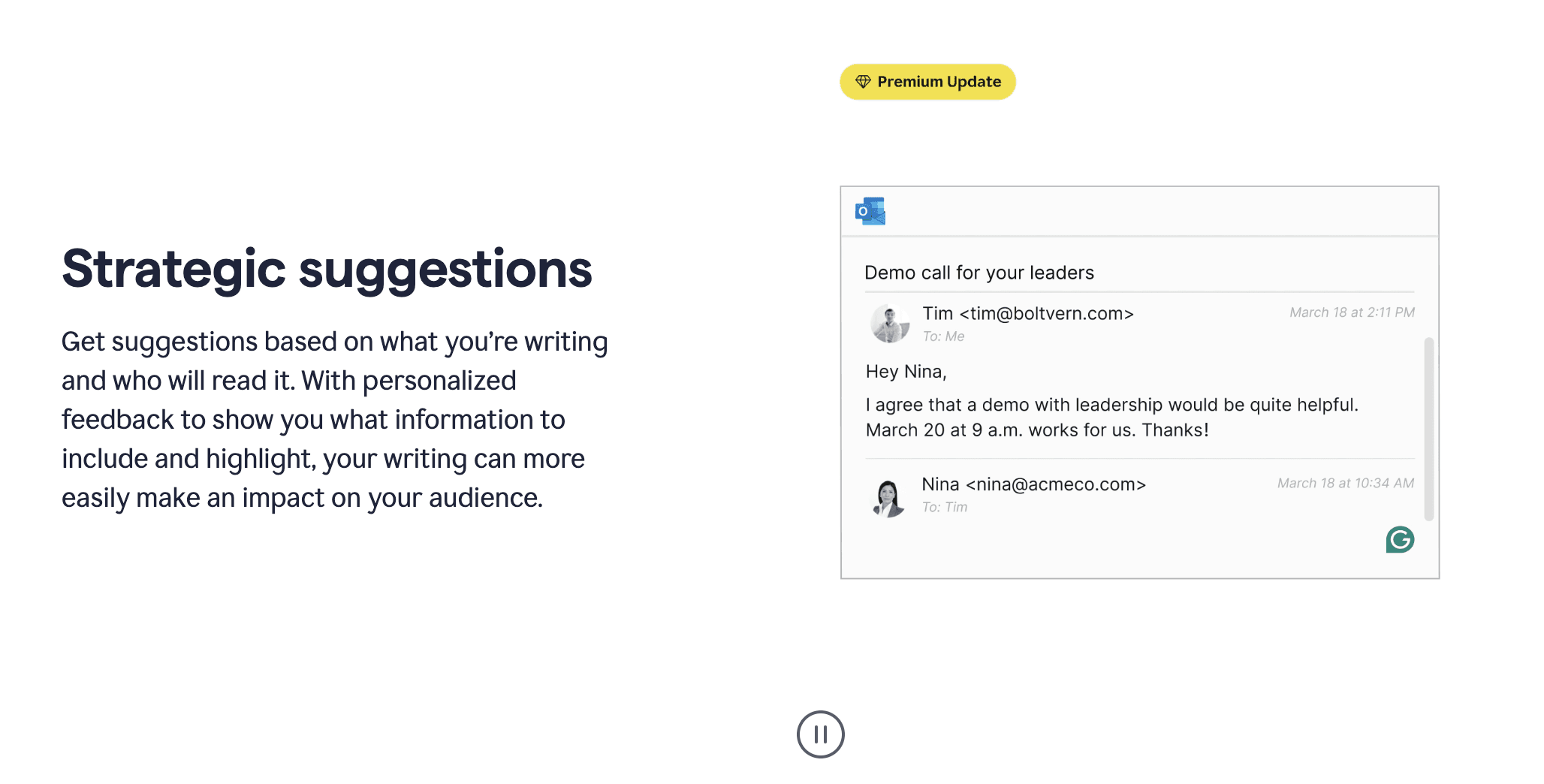
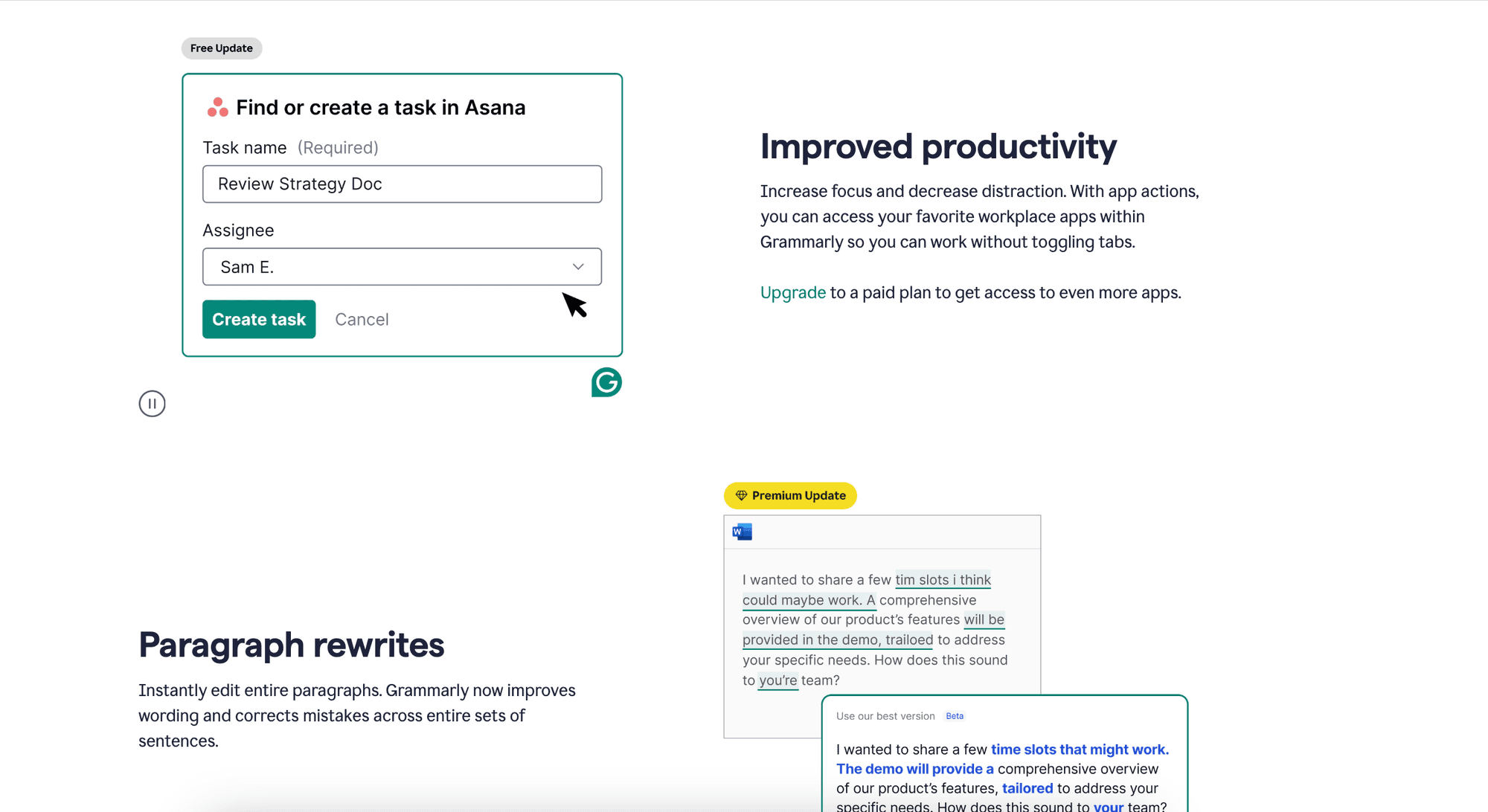
As mentioned above, Grammarly takes their media content a step beyond simply illustrating update features. Their visuals not only showcase the update’s purpose, but also paint a clear picture of their target audience and its needs.
Instead of generic screenshots, Grammarly uses carefully chosen, verified examples relevant to their user base. This user base primarily consists of business professionals, such as marketing, analytics and other teams.
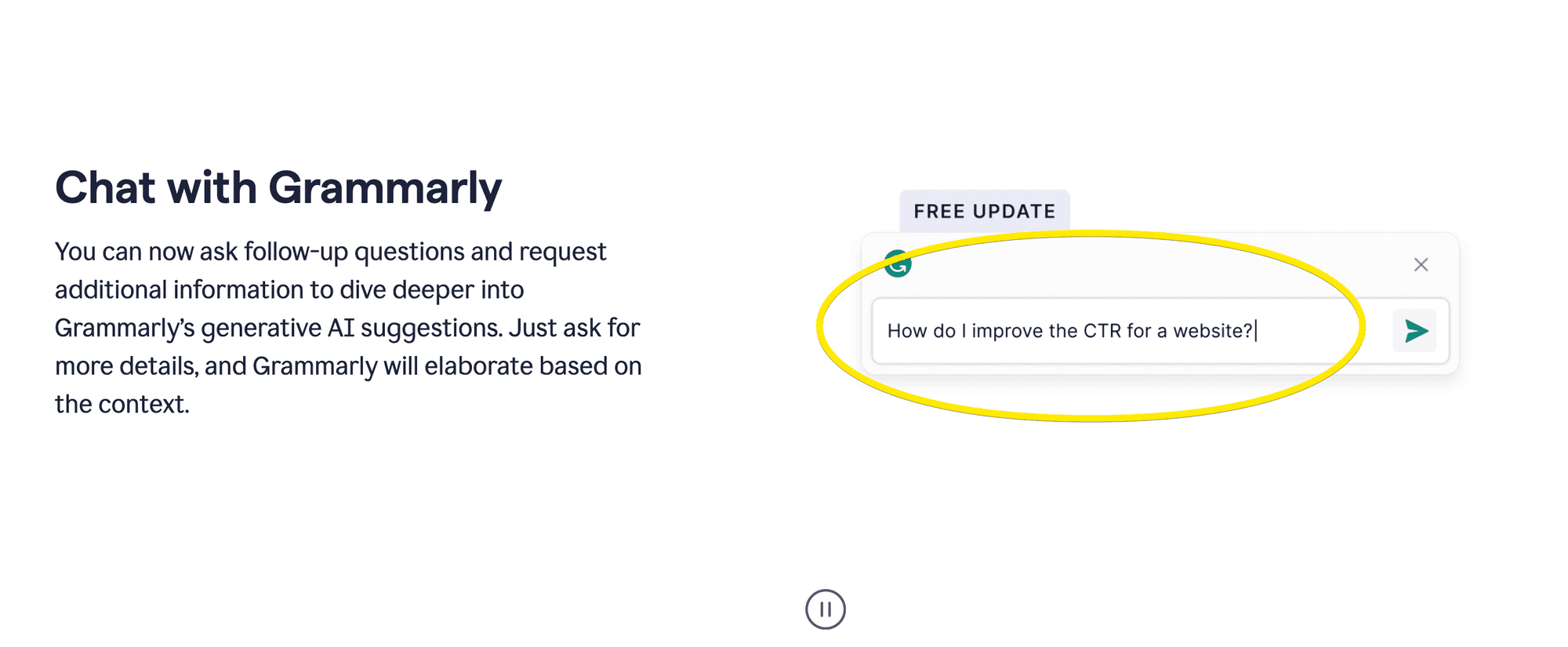
For example, the screenshot below might showcase generated text alongside on-screen text related to common product and business decision terminology.
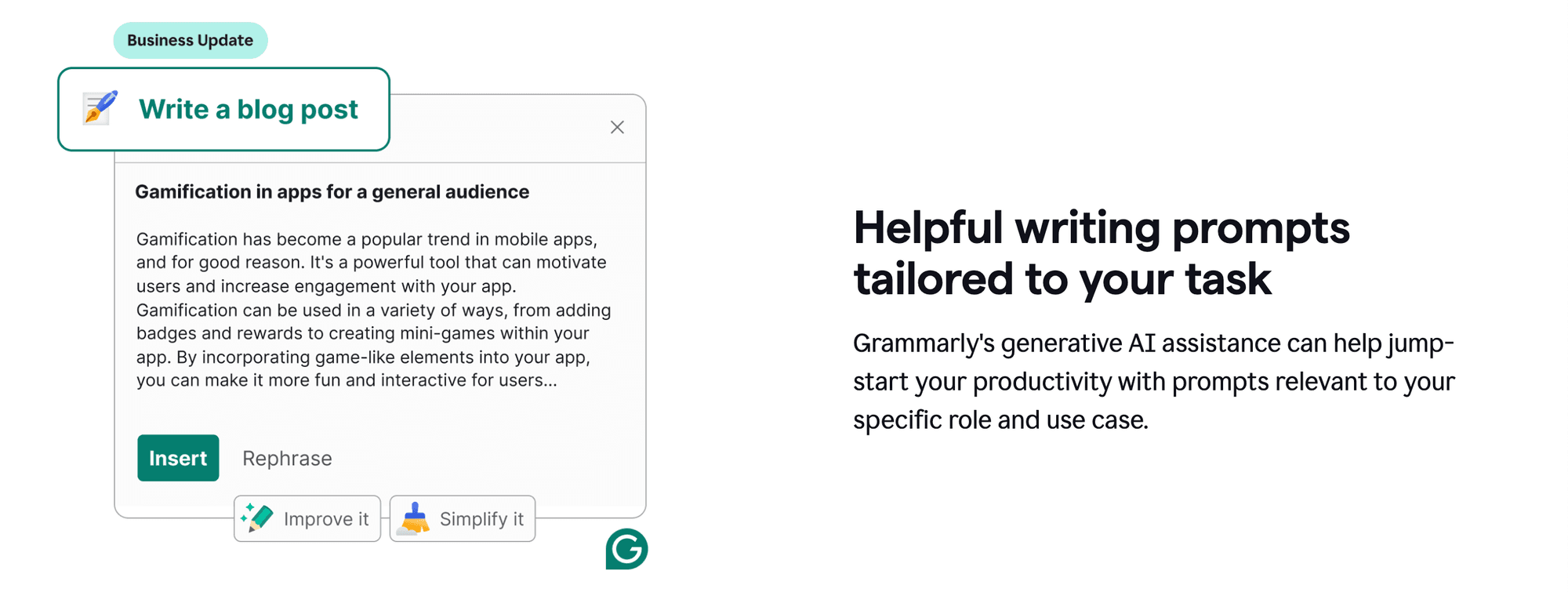
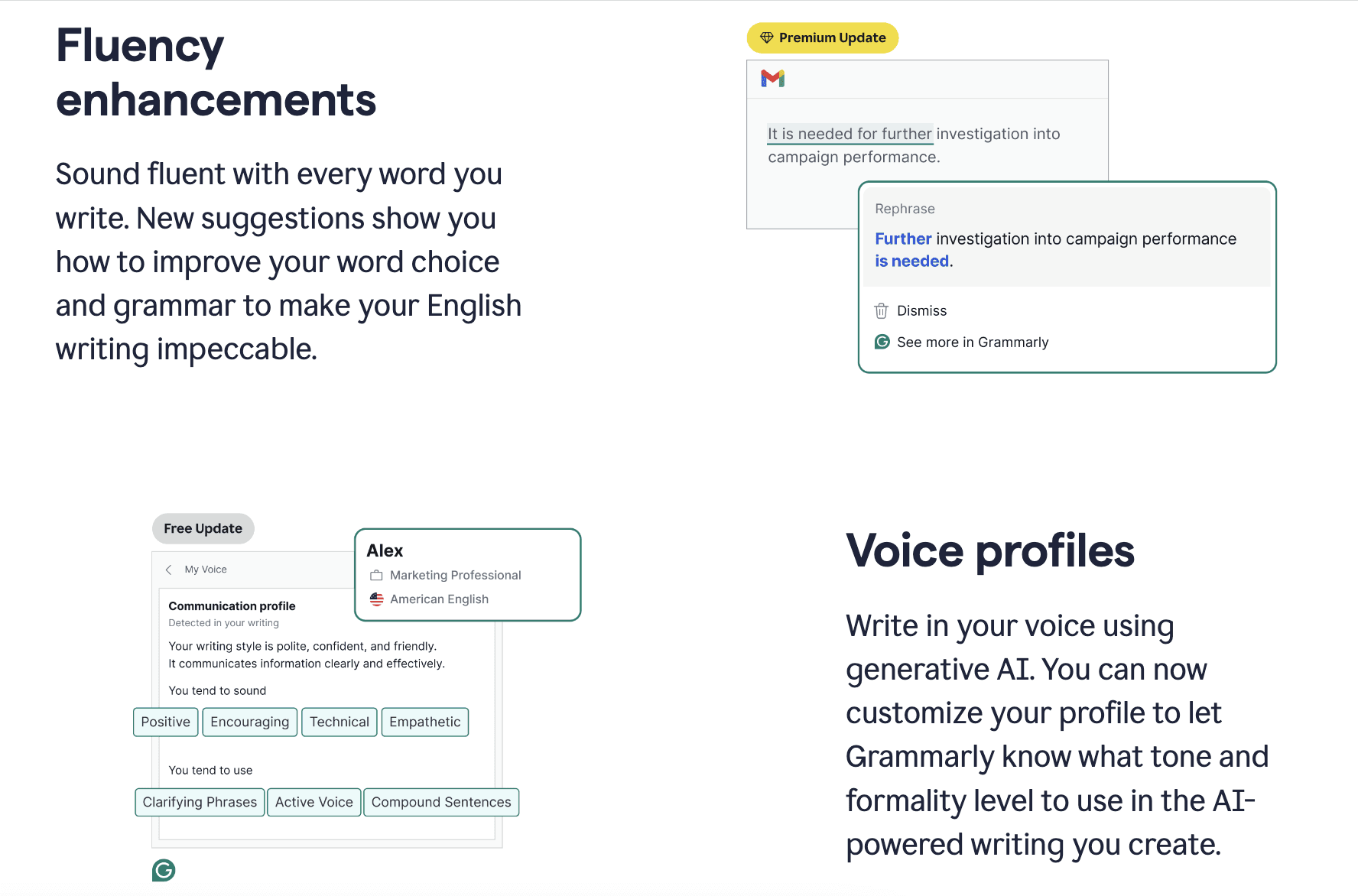
Additionally, Grammarly incorporates relevant errors within the text, not just any errors, but ones that resonate with their audience’s challenges.
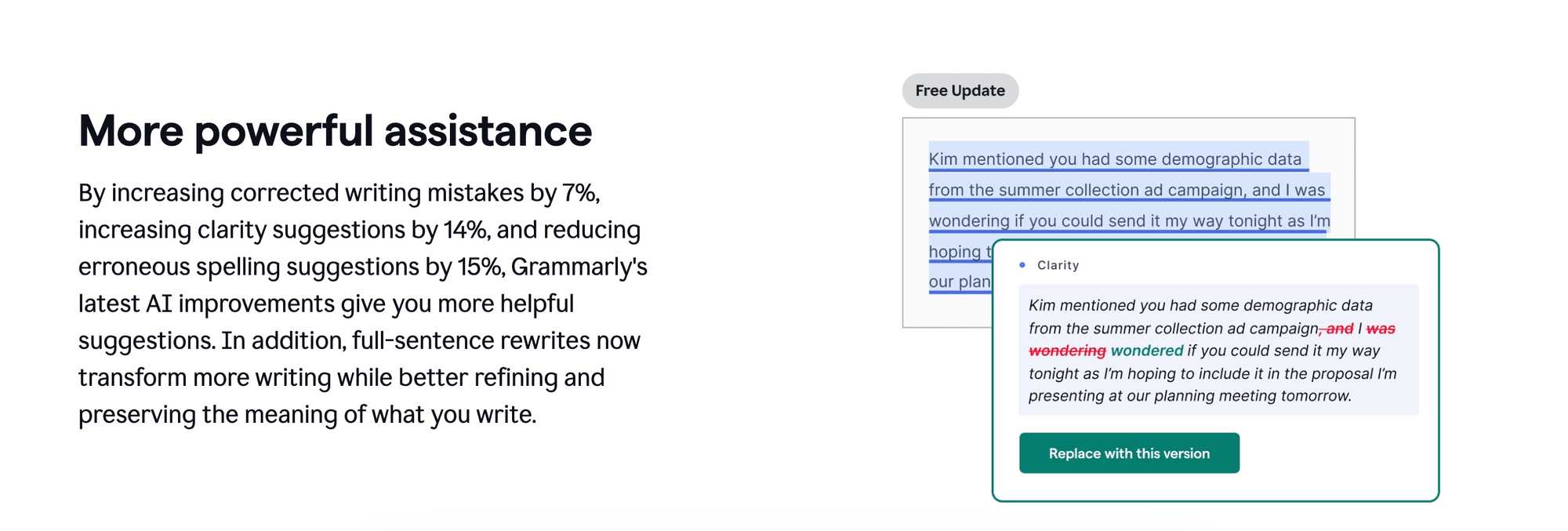
Overall, very few tools go the extra mile to make every element of their updates so user-centric. By crafting specific text examples and errors that mirror their users’ experiences, Grammarly sets itself apart.
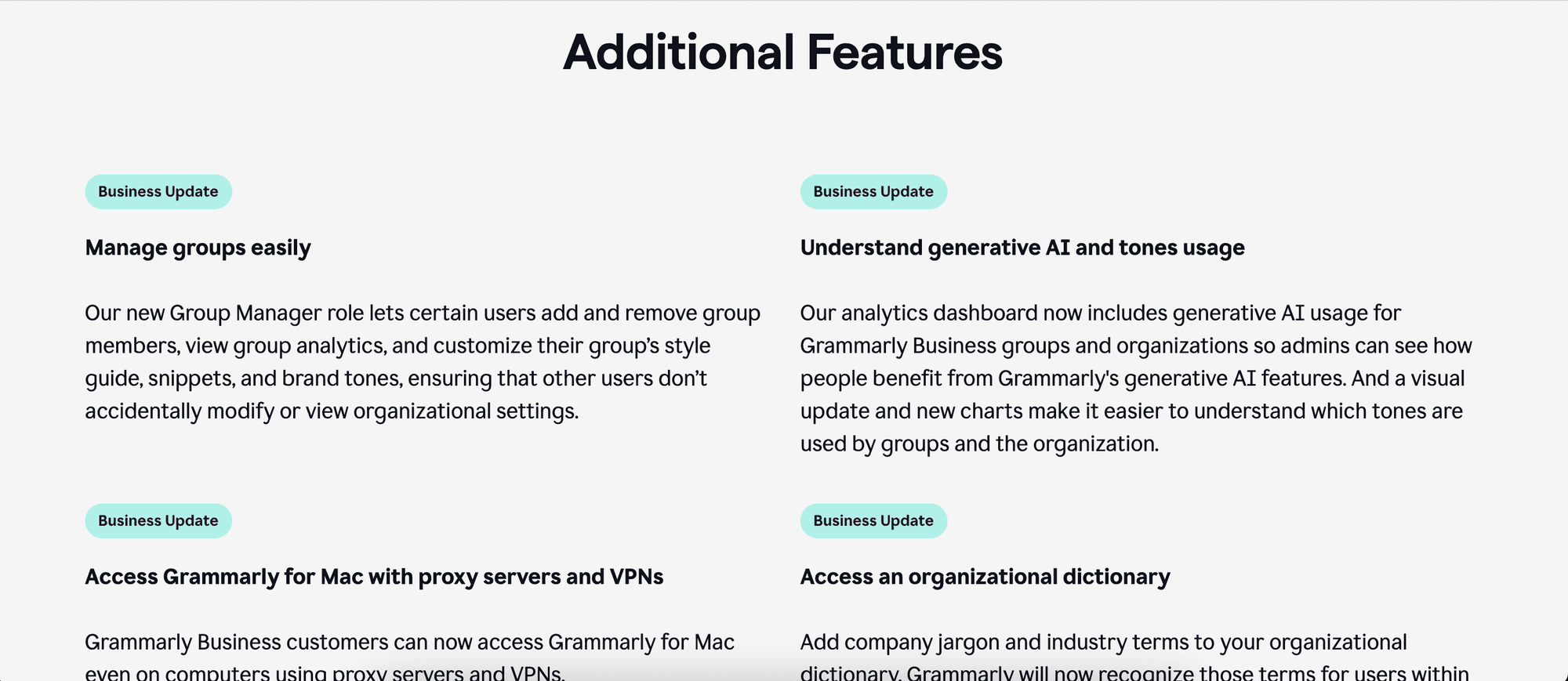
Group updates by plan
Grammarly categorizes their release notes by the plan they affect, such as the Premium or Free plan. This way, users can easily find updates relevant to their current subscription.
They intentionally mix updates for both paid and free plans, ensuring there’s something of interest for everyone (paid and free).
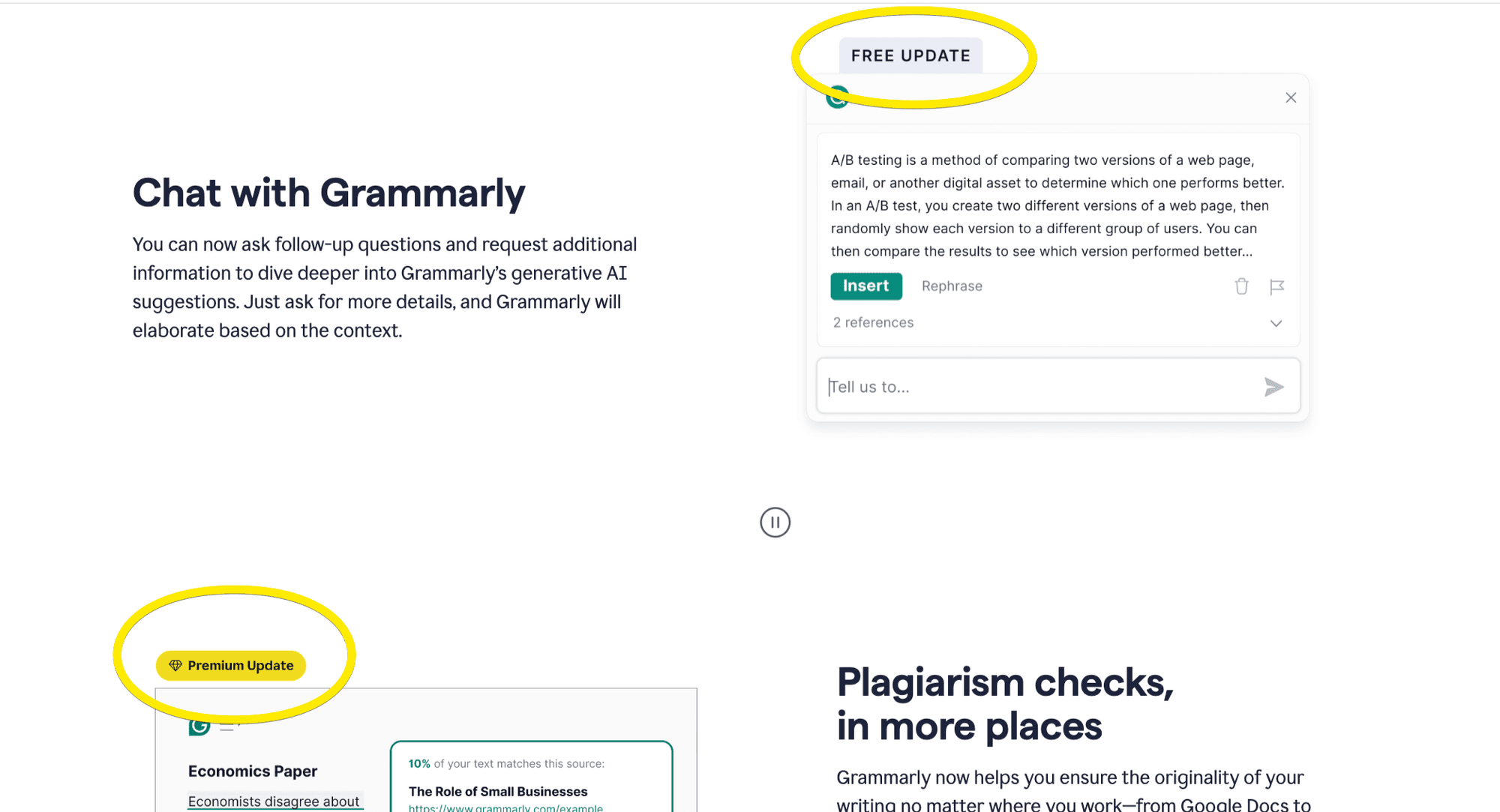
Grammarly utilizes a freemium model, starting users with a free plan. This allows users to experience the core functionality before considering an upgrade. Strategic use of filter updates lets users see features available in premium plans, potentially sparking their interest.
Grammarly also incorporates clear calls to action for upgrading, highlighting the additional benefits available.
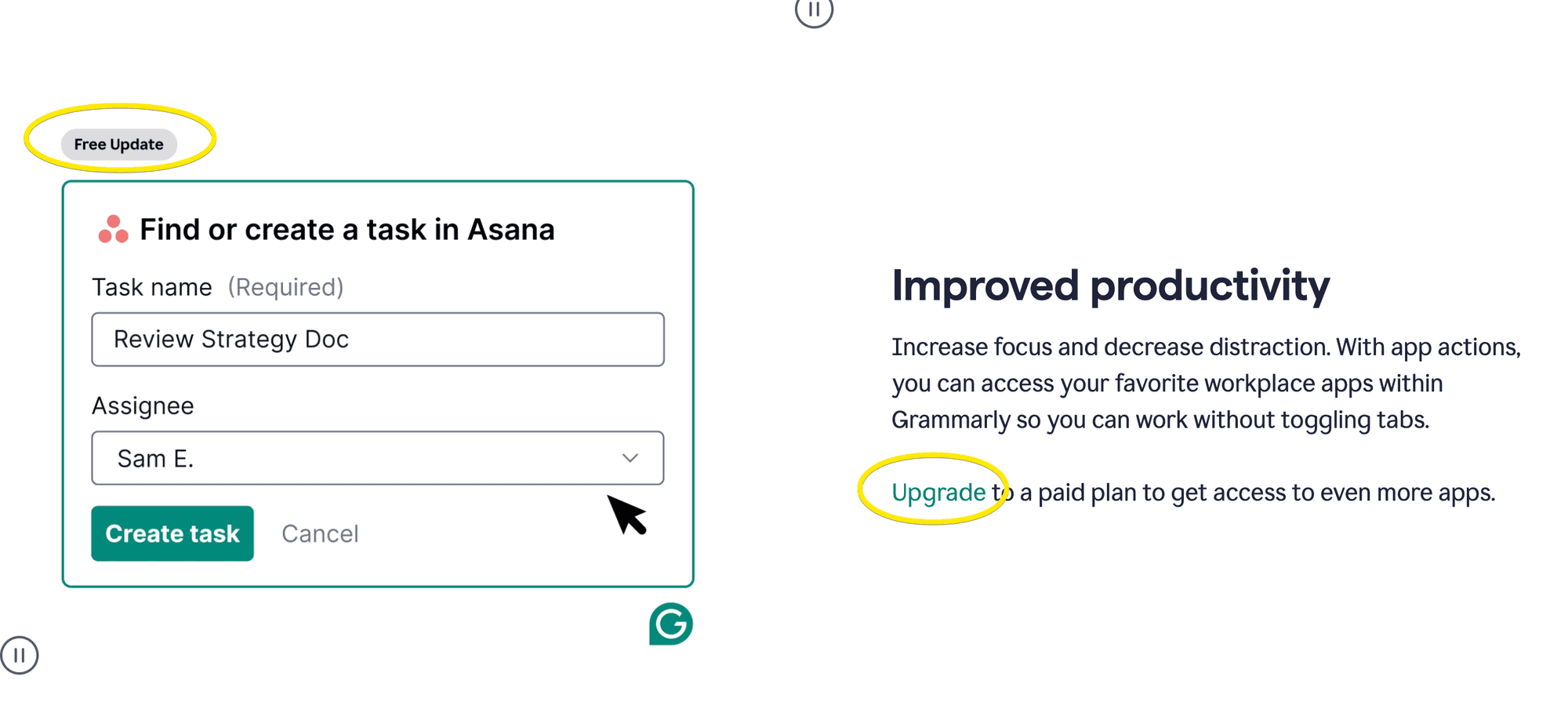
Seamless updates
Grammarly’s approach to release updates is unobtrusive. It avoids disrupting workflows with in-app warning update notification. We’ve all experienced the frustration of an unexpected update interrupting our work.
Preview upcoming features
Another thing Grammarly sometime does with its product release notes is to announce upcoming features with a “coming soon” label. This keeps users engaged and excited about what’s on the horizon.
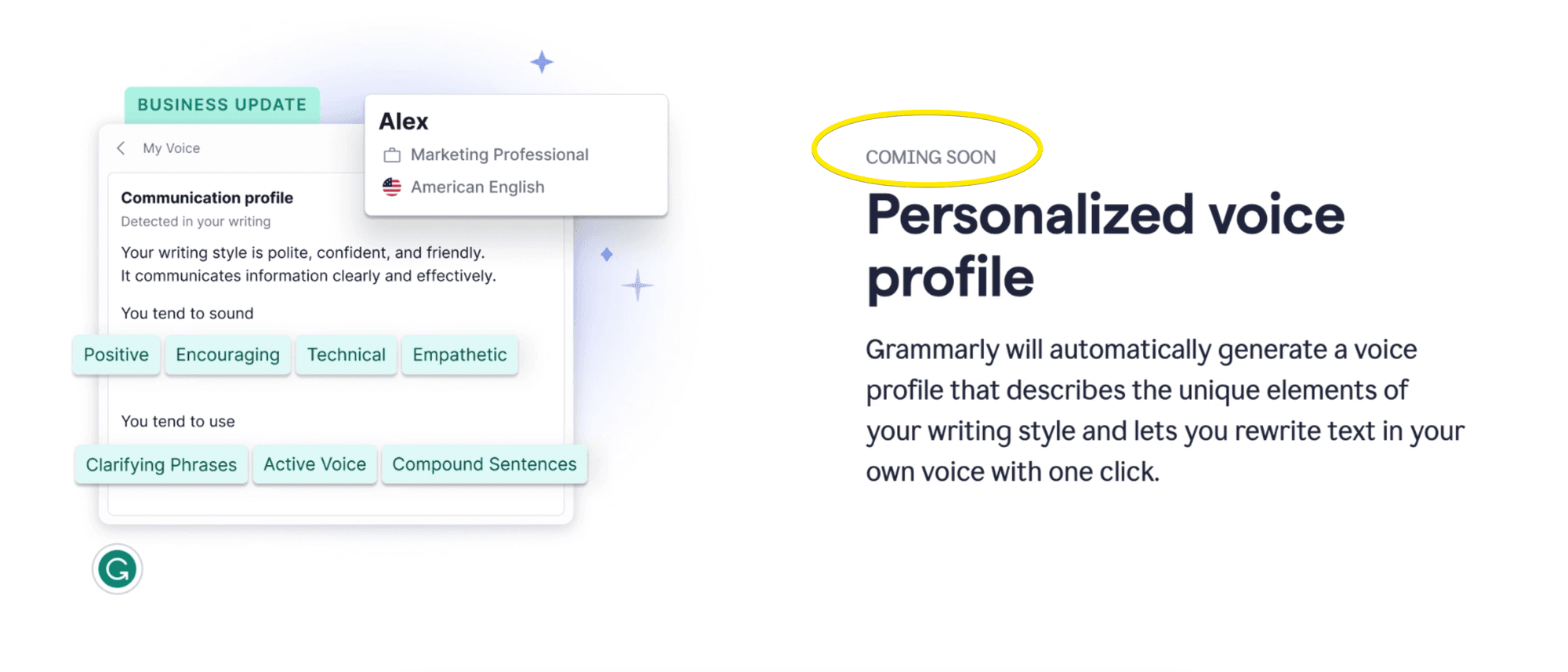
Areas for improvement
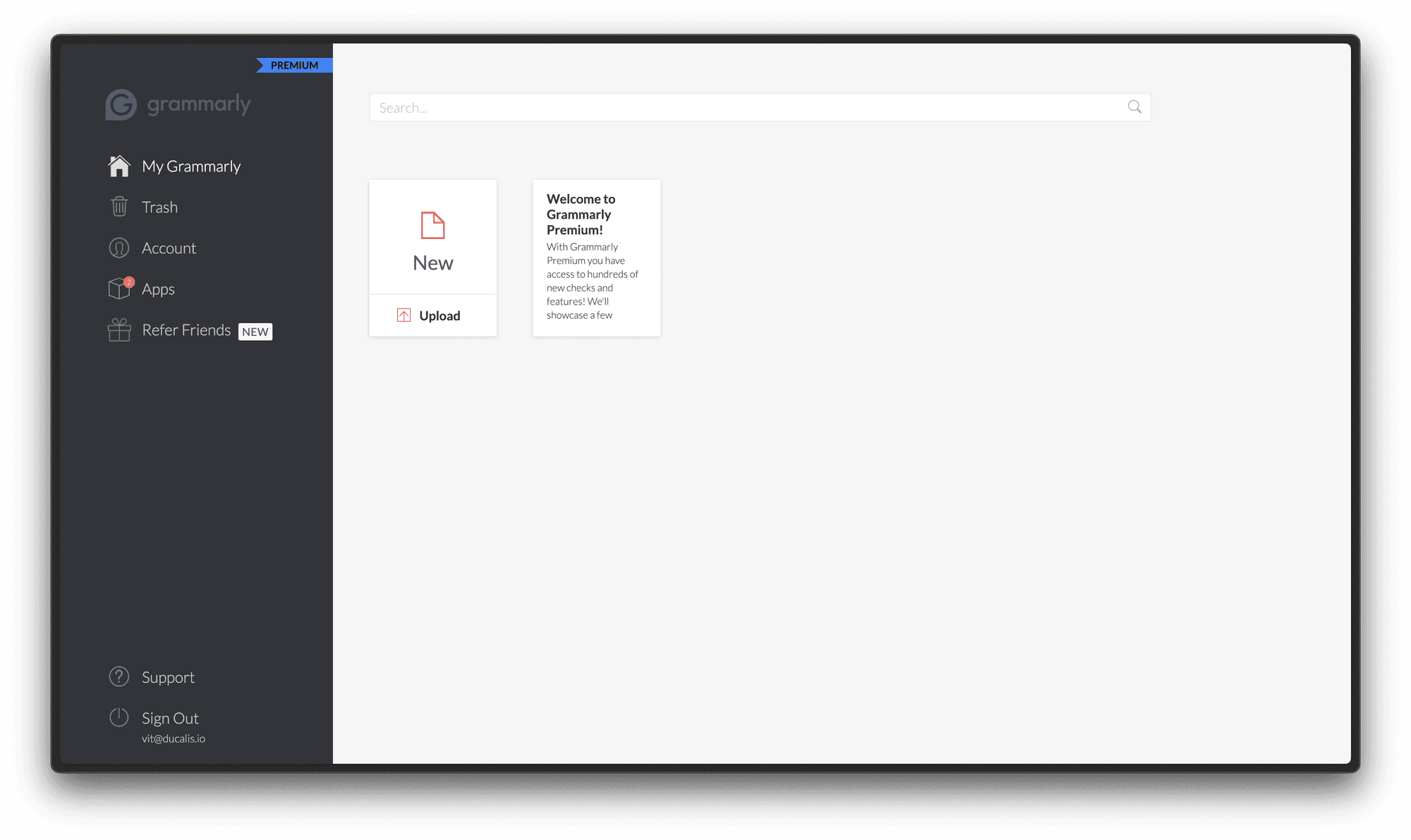
Hidden updates
Discovering Grammarly’s latest updates can be a challenge. The lack of a dedicated channel or notification system makes it difficult for users to stay informed about new features and improvements. This can lead to users missing out on valuable updates that enhance their Grammarly experience. A straightforward and accessible system for release notes would ensure users are always in the loop.
Less frequent updates
Grammarly’s update schedule, currently averaging once every three months is a point of contention. More frequent updates can be a powerful tool for keeping users engaged, informed, and feeling valued. Regular updates provide users with a sense of ongoing development and can generate excitement about Grammarly’s ever-evolving platform.
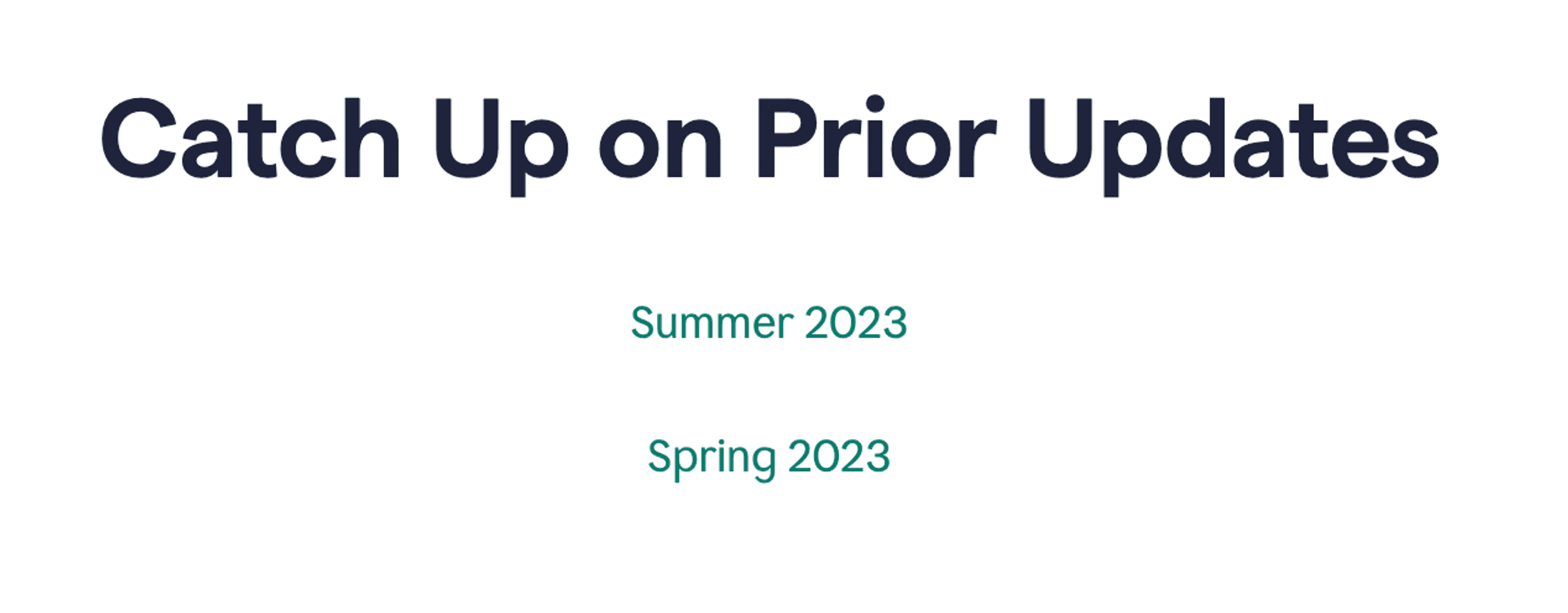
No bug fixes or additional details
While releases include straightforward descriptions and helpful media, information about minor improvements and bug fixes seems to be missing.
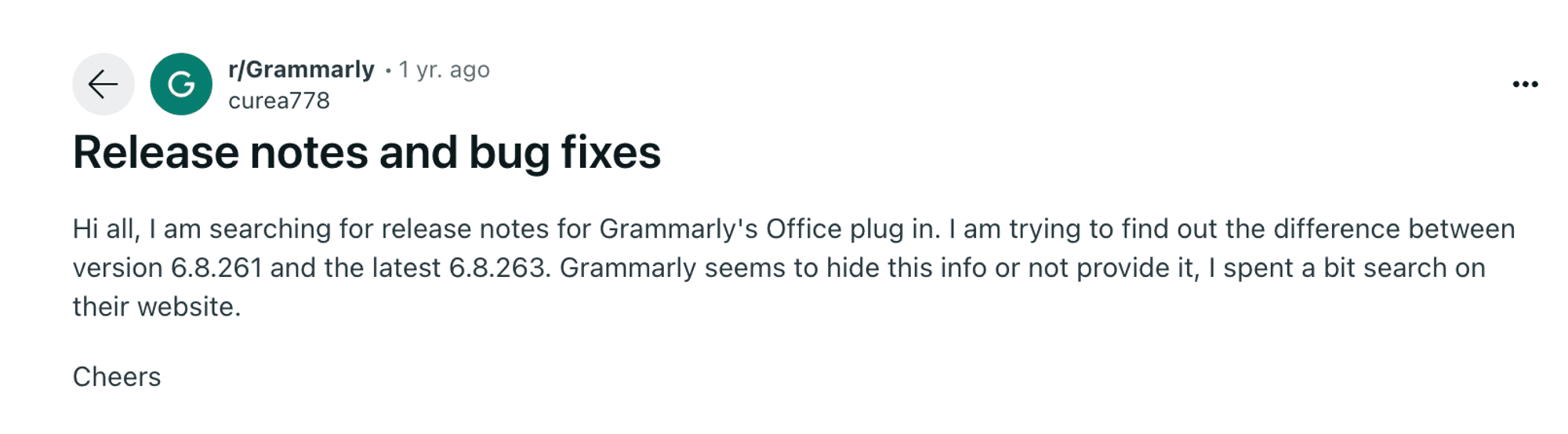
Image from Reddit community
Providing details on these changes, release versions, even for seemingly minor fixes, can enhance user trust and transparency. Users want them and are motivated to learn and read them.
Conclusion
Grammarly sets a stellar example for user-centric release notes. Their focus on clear communication and user value shines through in their writing style and visuals, eliminating technical jargon and focusing on user needs. Short explainer videos and images effectively illustrate update purposes for the target audience. Upgrading is subtly encouraged by highlighting the additional features of premium plans, motivating users to consider upgrading without being overly promotional.
—
Ducalis’ Changelog feature streamlines your routine by automating AI announcement writing, email preparation, and webpage updates. Leverage comments and reactions across all channels to gather feedback. Additionally, the Ducalis Widget keeps users informed and engaged, fostering two-way communication. Users can easily navigate to the latest updates and access archived entries.